

Definition
What is an event page?
A page that explains a promotion, launch event, coupon offer, or participation campaign and collects applications.
Create promotions, launch events, supporter recruitment,
and seasonal campaign pages instantly.
See how companies run campaigns with Waveon
"Quickly created a promotion page and drove hundreds of participants."
— Brand marketing manager
"We create fresh seasonal campaign pages every time with Waveon."
— Campaign operations lead
Start with proven templates
Benefits, dates, participation rules, and the application path should be clear.
A page that explains a promotion, launch event, coupon offer, or participation campaign and collects applications.
Posts are good for reach, but they rarely explain dates, rules, applications, and winner notices clearly.
Build benefit sections, participation guides, forms, response storage, and reusable campaign pages.
Social channels create awareness. Landing pages explain participation details and collect usable data.
| Criteria | Social post | Event landing page |
|---|---|---|
| Information delivery | Mostly image and short caption based. | Benefits, dates, rules, and FAQ can be organized in one place. |
| Participation data | Comments, DMs, and links can become scattered. | Application forms collect participant details consistently. |
| Performance check | Likes and comments are the main signals. | Applications, coupon claims, bookings, or purchases can be measured. |
Clarifying rules early reduces confusion, repeated questions, and drop-off.
Show what participants receive and how long the event is open.
Explain eligibility, restrictions, winner criteria, and duplicate participation rules.
Collect only the fields needed, such as name, contact, proof of participation, or preferred visit date.
Explain winner notice, coupon use, visit booking, and inquiry channels in advance.
Discounts, social campaigns, pre-orders, and launches all require different information from visitors.
Design the page not only for applications, but also for deadline changes, announcements, coupon use, and follow-up.
Update copy for active, closing soon, and closed states.
Keep applications and participation proof in one place.
Adjust copy and links for Instagram, ads, SMS, and partner channels.
Move participants toward coupon use, booking, purchase, or re-engagement.
Explore discount events, social campaigns, pre-launch pages, and seasonal campaigns.

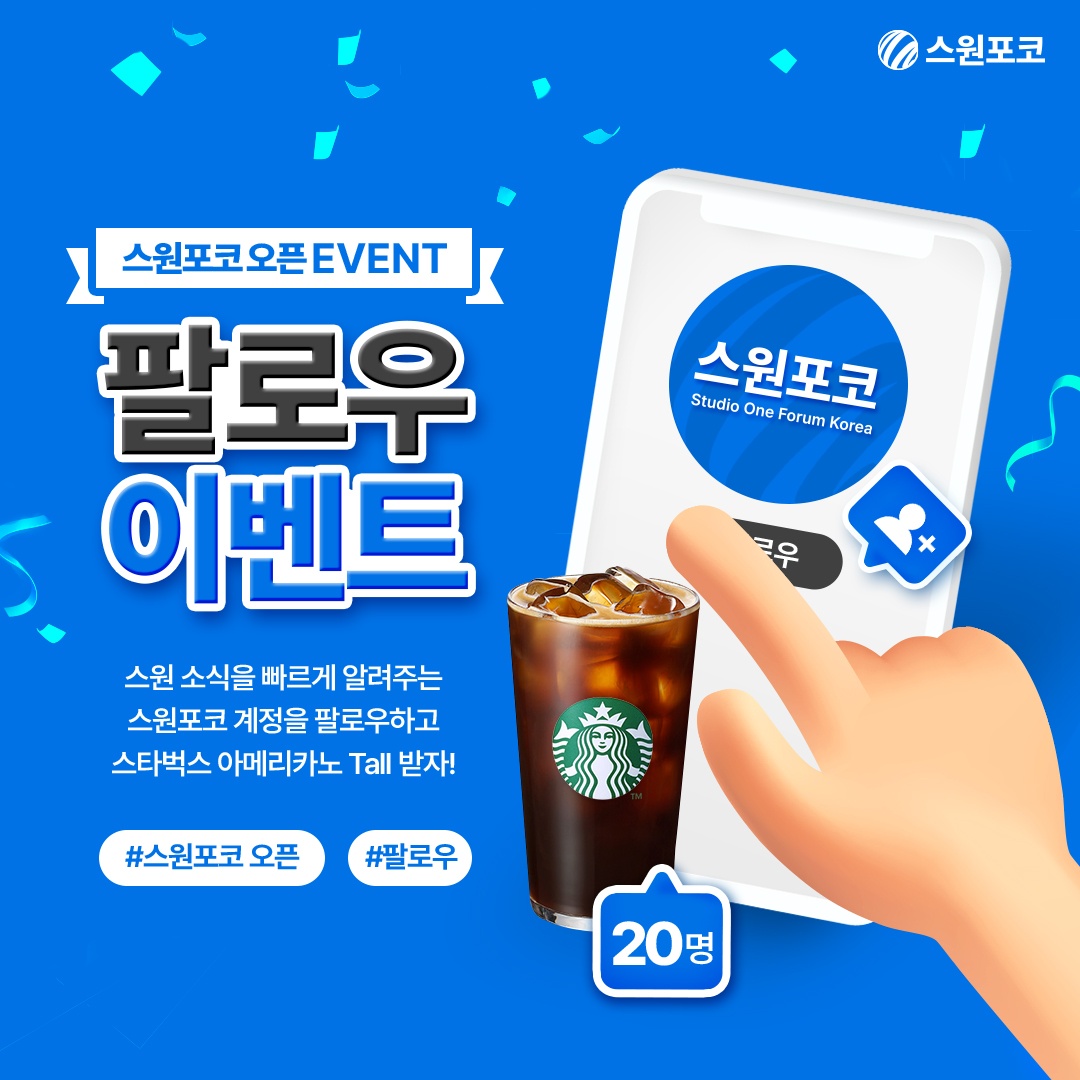
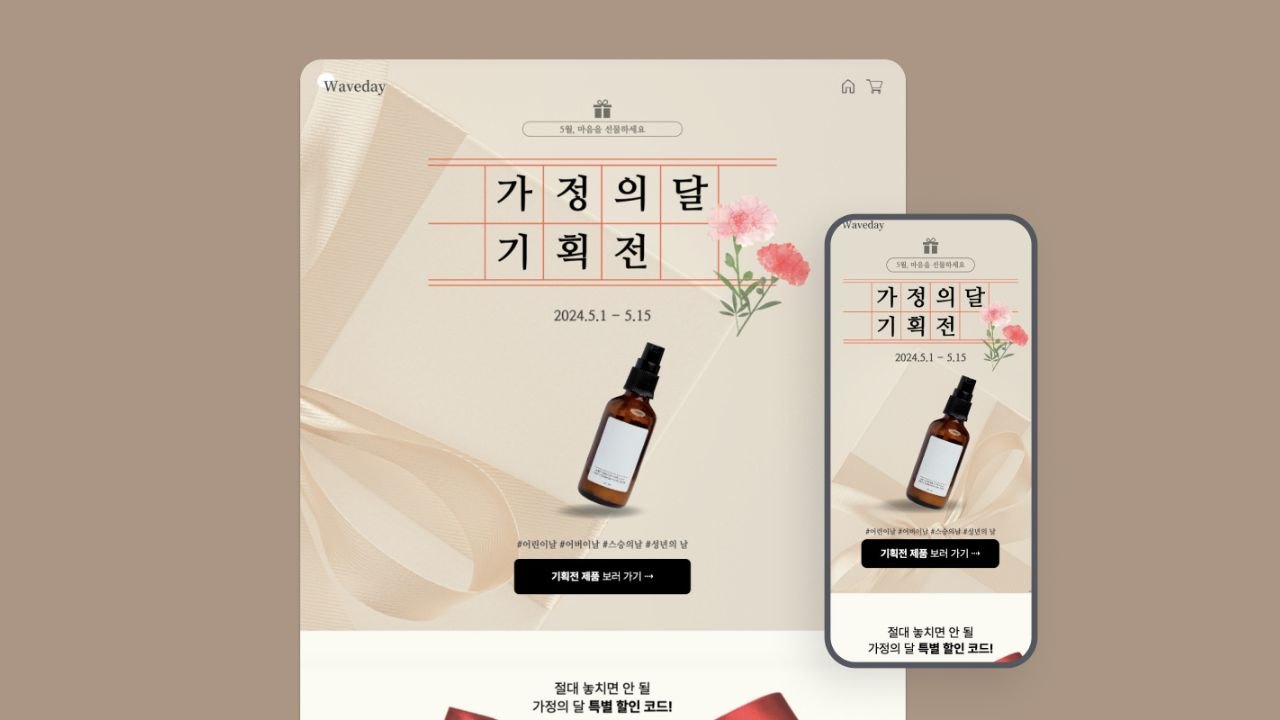
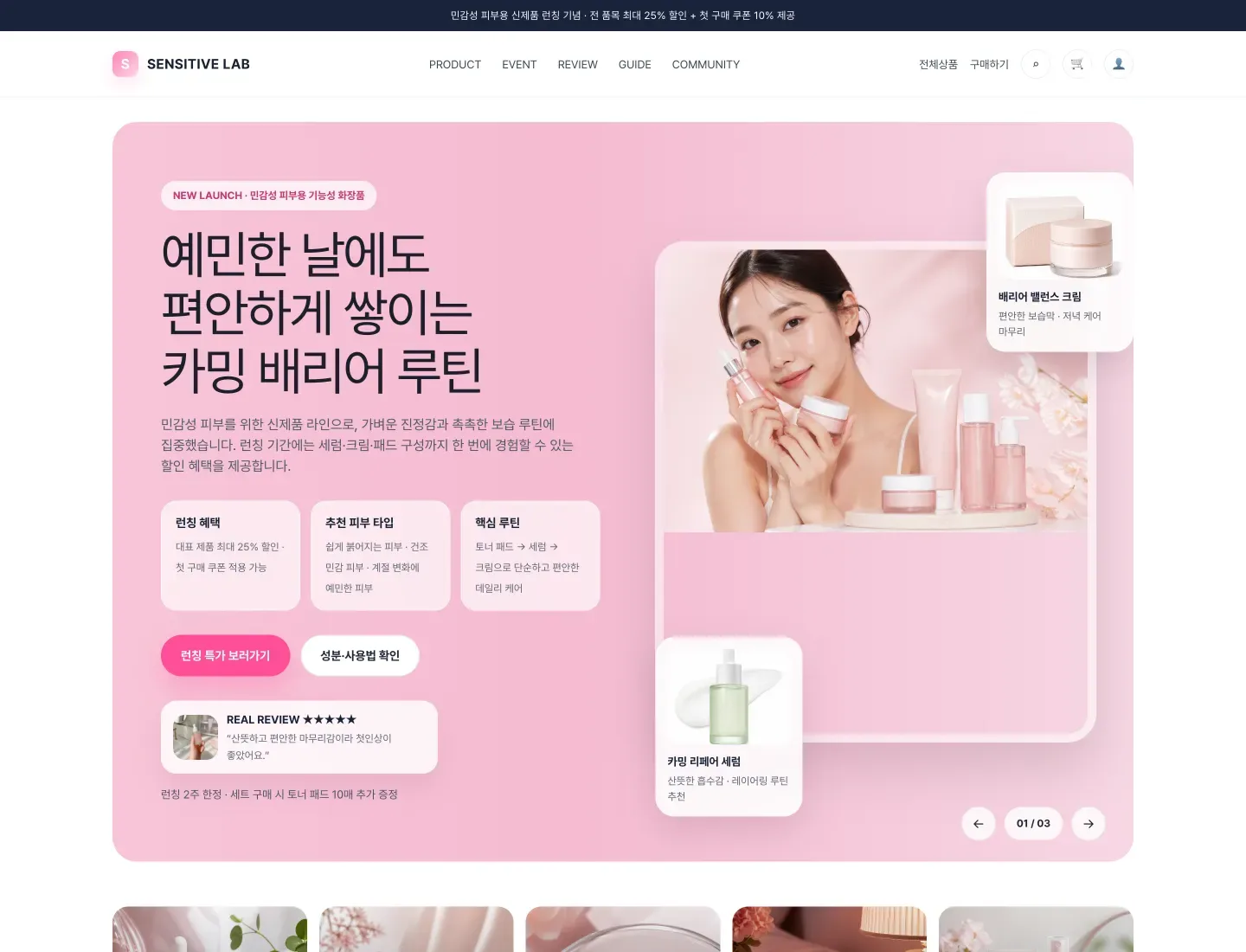



Participation is easier when benefits, dates, rules, and follow-up are clear.
Even a strong benefit can underperform if the deadline or rules are unclear.
Keep the same conditions across social, ads, and SMS traffic.
Tell participants what to wait for and how to use coupons or rewards.
After closing, leave a clear end notice and next link.
Common questions about event applications, campaign pages, and tracking.
A social post is useful for reach. An event page organizes benefits, dates, rules, and application forms in one place so participation data can be collected.
Name and contact are the basics. Add social account, proof of participation, preferred visit date, or product interest depending on the event.
Update the page with closing notice, winner announcement, next campaign link, or waitlist CTA so existing links and search traffic still have value.
If the creative, audience, or benefit differs, separate pages usually make comparison easier and improve message fit.
Event & campaign pages ready in minutes — start free

AI Business System Builder