
Definition
What is a booking or registration page?
A page where visitors review the event, schedule, conditions, and leave booking or registration details.
Create appointment booking, event registration, and check-in pages.
Start accepting registrations right away.
See how companies handle bookings with Waveon
"Created a pre-registration page and easily recruited event participants."
— Education program coordinator
"Built a consultation booking system in just one day."
— Clinic reception manager
Start with proven templates
Visitors should understand the schedule, audience, venue, and next step before submitting.
A page where visitors review the event, schedule, conditions, and leave booking or registration details.
New visitors want to know who it is for, where it happens, what to prepare, and how changes work before submitting.
Build event details, booking forms, response storage, reminders, and follow-up information in one page.
A simple form works for people who already know the offer. Search or ad visitors need the reason and conditions first.
| Criteria | Simple booking form | Booking landing page |
|---|---|---|
| Visitor understanding | Visitors enter schedule and contact details only. | Visitors first review audience, venue, benefits, and preparation details. |
| Booking quality | No-shows and duplicate questions can be hard to reduce. | Time, headcount, and conditions can be captured in structured fields. |
| After submission | The form often only confirms receipt. | The page explains confirmation timing, changes, and preparation. |
Reduce uncertainty before booking and collect the fields your team needs to act quickly.
Show who can apply, when it happens, remaining seats, and deadline.
Explain offline location, online link, check-in process, parking, and access details.
Collect name, contact, preferred time, headcount, and requests only as needed.
Tell visitors when confirmation arrives, how to change bookings, and what to prepare.
Event registration, trial classes, store visits, and expo meetings each need different proof and form fields.
The goal is not only more bookings. The page should reduce double bookings, missed messages, and no-shows.
Keep preferred schedule, contact, and requests in one place.
Tell visitors whether booking is instant or confirmed after staff review.
Show the deadline, process, and contact channel for changes.
Connect responses to Google Sheets, notifications, or CRM when needed.
Explore event registration, appointment booking, and scheduling operations.



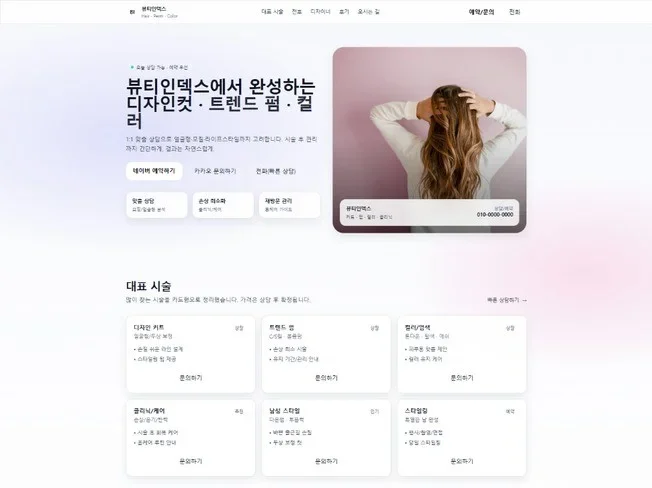




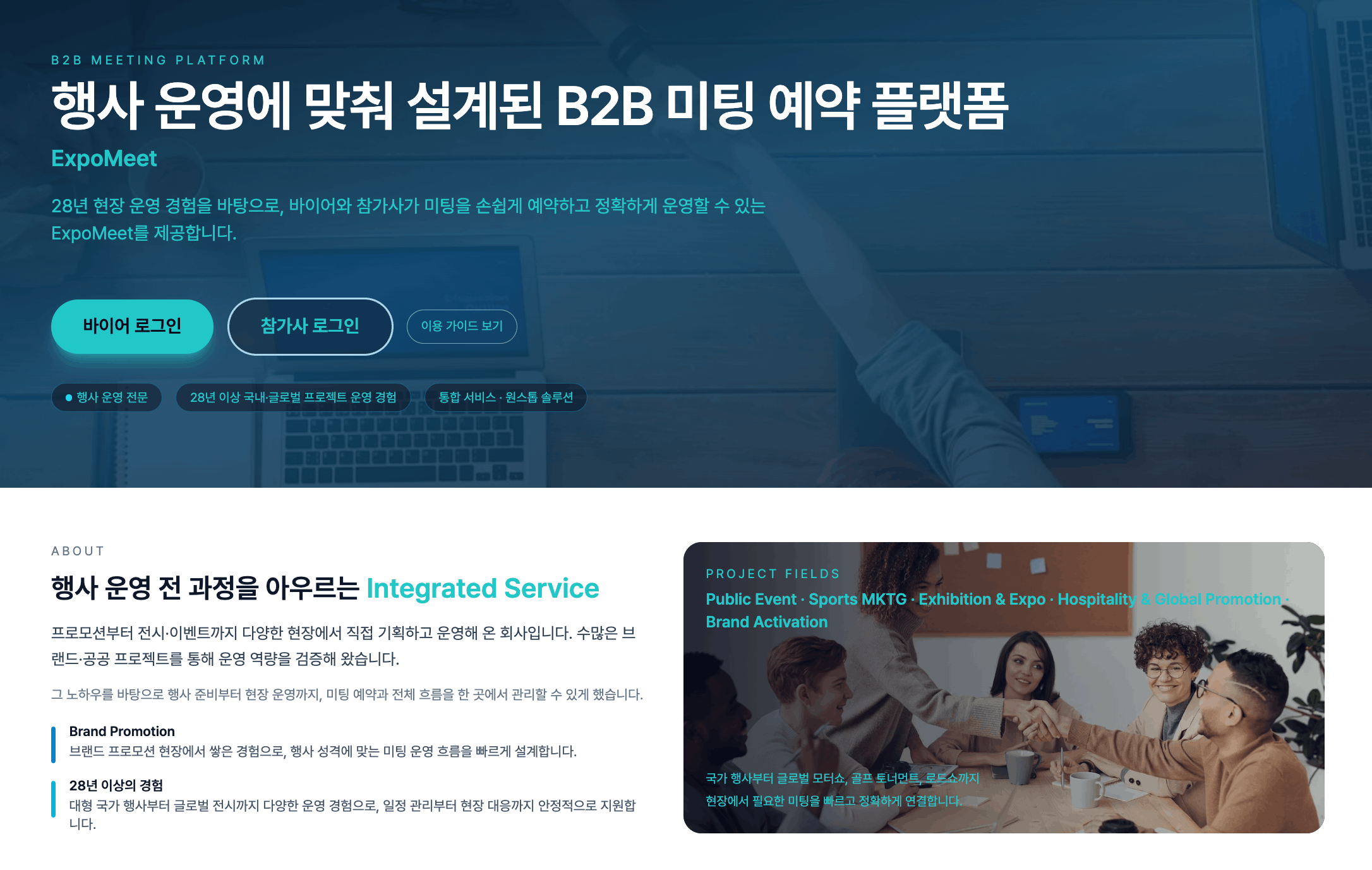
A booking page needs clear post-submit guidance as much as the booking form itself.
Visitors want to know the schedule, venue, capacity, and change rules before booking.
Unclear conditions often create no-shows and repeated questions.
Tell visitors what happens next to reduce confirmation questions and missed follow-up.
Connect booking data to alerts or sheets when operations grow.
Common questions about registration forms, booking pages, and response management.
A booking form only collects information. A booking page explains the schedule, audience, benefit, and preparation details before asking visitors to book.
Name, contact, and preferred schedule are the basics. Add headcount, interest, requests, or company name depending on the booking type.
Not always. Choose the CTA that fits the goal: free registration, consultation booking, paid reservation, or waitlist signup.
Responses can be stored in the Waveon app database and connected to tools such as Google Sheets when needed.
Booking pages ready in minutes — start free

AI Business System Builder