
AI Landing Page Builder
Generate a landing page draft
and publish it faster with AI
Describe the page goal and content, then get a draft with structure, copy, forms, and buttons. Refine it through chat and visual editing, then publish when ready.
- Input
- Prompt
- Edit
- Chat
- Publish
- Live
Page structure · Drafted
Copy and CTA · Editable
Mobile view · Checked
Feature role
Create and edit landing page drafts from a prompt
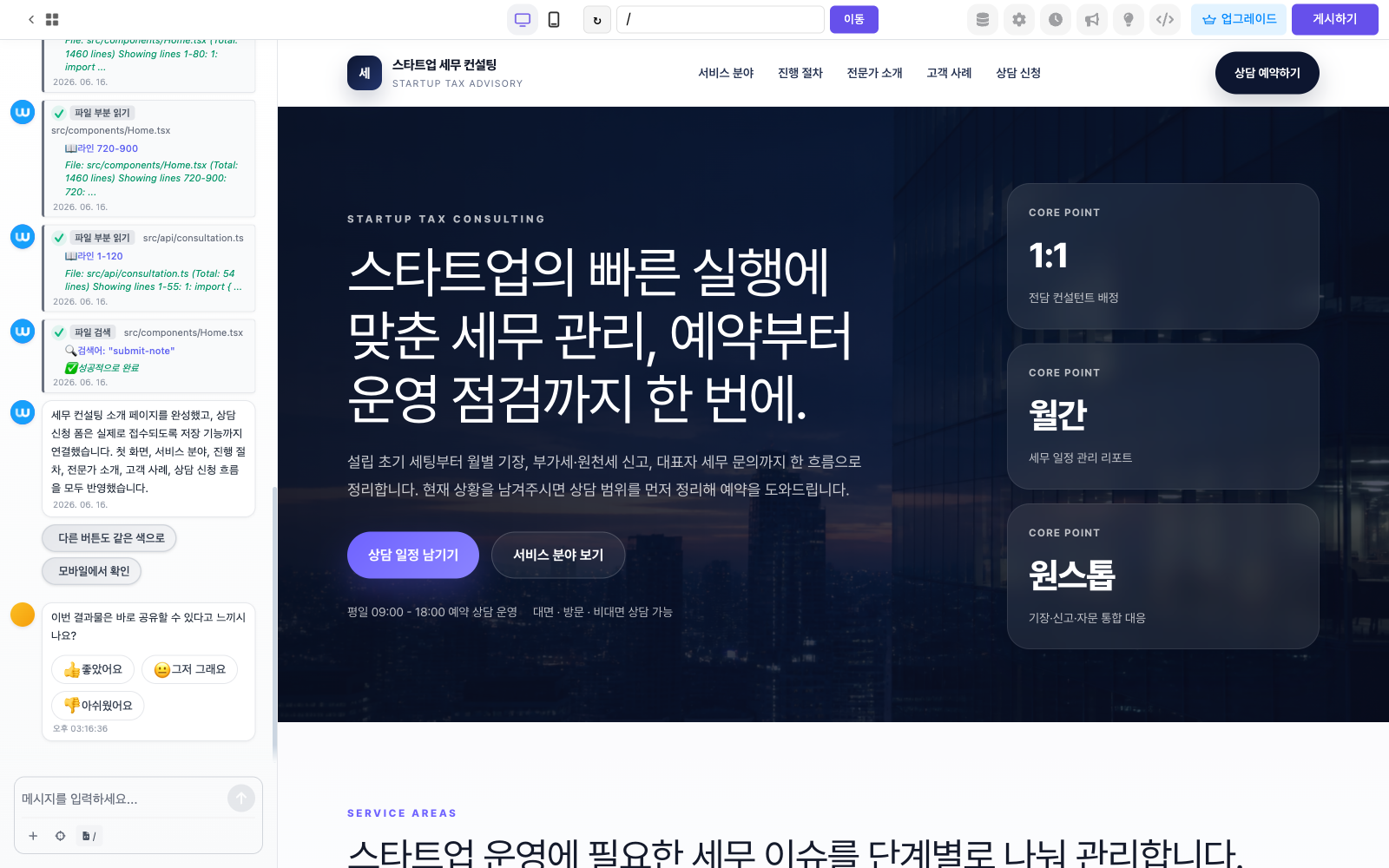
Product screen
See AI Landing Page inside Waveon
Your campaign goal becomes structure, copy, forms, and a launch-ready page.
Core features
Core capabilities
How it works
Workflow
The basic order for putting this feature into operation.
- 01
Describe the page
Enter the goal, audience, content, and tone in natural language.
- 02
Let AI shape the draft
Review the first page with hero, feature sections, form, and CTA.
- 03
Refine and publish
Polish with chat and visual editing, then deploy to a public URL.
Ad landingInquiry pagesEvent campaignsProduct launches
Use cases
Useful in these situations
01
No blank canvas
Start with structure and starter copy instead of planning the first screen from scratch.
02
Faster edits without dev requests
Change copy, section order, and form fields through chat and visual editing.
03
One flow from draft to launch
Generate the draft, refine it, and publish it to a public URL in one place.
Related features
Features often used together
FAQ
Questions before using this feature
Can I start without a template?
Yes. AI can generate a first draft from your prompt, while templates give you a faster starting point.
Do I need to code?
No. Most creation and editing can be done with chat and visual editing.
Get Started
Type the landing page you want to build
Generate the first draft, refine it through chat and visual editing, and publish inside Waveon.
Build a landing page with AI