






Definition
What is an ad landing page?
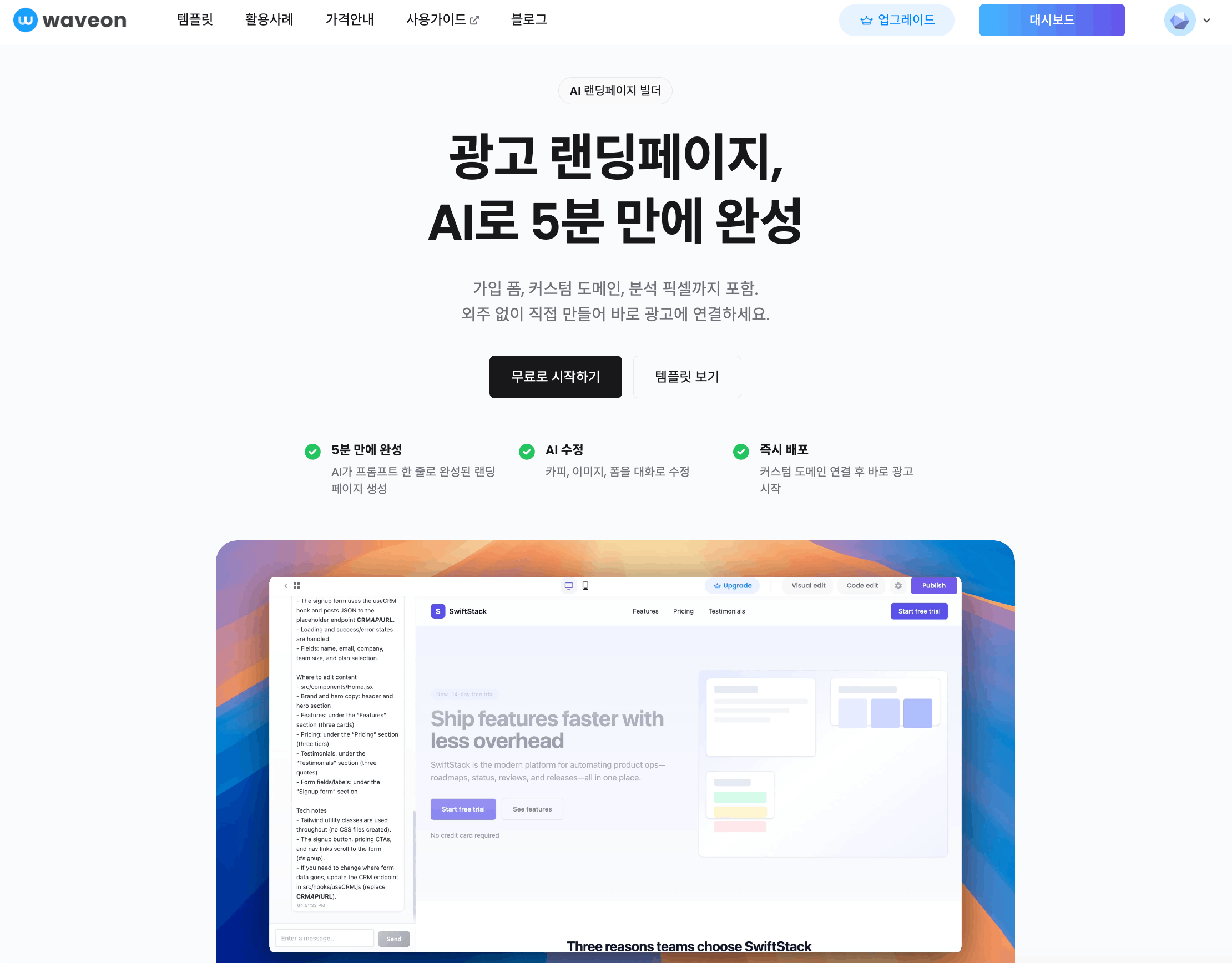
A conversion-focused page that turns traffic from Naver, Meta, Google, or partner ads into one action.
Match your ad message, add signup forms, connect custom domains, and set analytics pixels.
Prepare campaign-specific conversion pages faster.
See how companies build landing pages with Waveon
Start with proven, high-converting templates
A campaign page should connect the ad click to one clear next action.
A conversion-focused page that turns traffic from Naver, Meta, Google, or partner ads into one action.
Instead of broad navigation, it keeps the visitor focused on the offer, proof, and next step promised in the ad.
Start from campaign copy, lead forms, pixel setup, and reusable templates without building each page from scratch.
A homepage introduces the brand broadly. An ad landing page focuses on one campaign offer and one measurable action.
| Criteria | General homepage | Ad landing page |
|---|---|---|
| Visit intent | Visitors browse the company and multiple services. | Visitors see the offer promised in the ad immediately. |
| CTA | Actions are split across inquiry, product pages, blog, and menus. | The page drives toward one action such as inquiry, booking, signup, or purchase. |
| Measurement | It is harder to see which content drove the conversion. | Campaign-level conversion rate and form responses are easier to compare. |
Visitors should feel continuity from the ad and quickly understand why they should act.
Carry the promise from the keyword or creative into the hero copy.
Show the visitor's problem and how the product or service solves it in plain language.
Use customers, reviews, numbers, case studies, guarantees, or credentials where they reduce doubt.
Connect the form, button, and tracking event to the campaign goal.
Lead capture, product launch, webinar signup, and local ads each need different copy and form fields.
Instead of using one page for too long, duplicate it by creative, audience, and season so performance can be compared.
Match the message for search ads, Meta ads, partner traffic, and remarketing.
Track CTA clicks, form submissions, completed bookings, or purchases.
When the ad creative changes, update the hero and proof sections together.
Store form responses and review lead quality by campaign.
Explore campaign pages, lead capture, launches, and tracking setup.

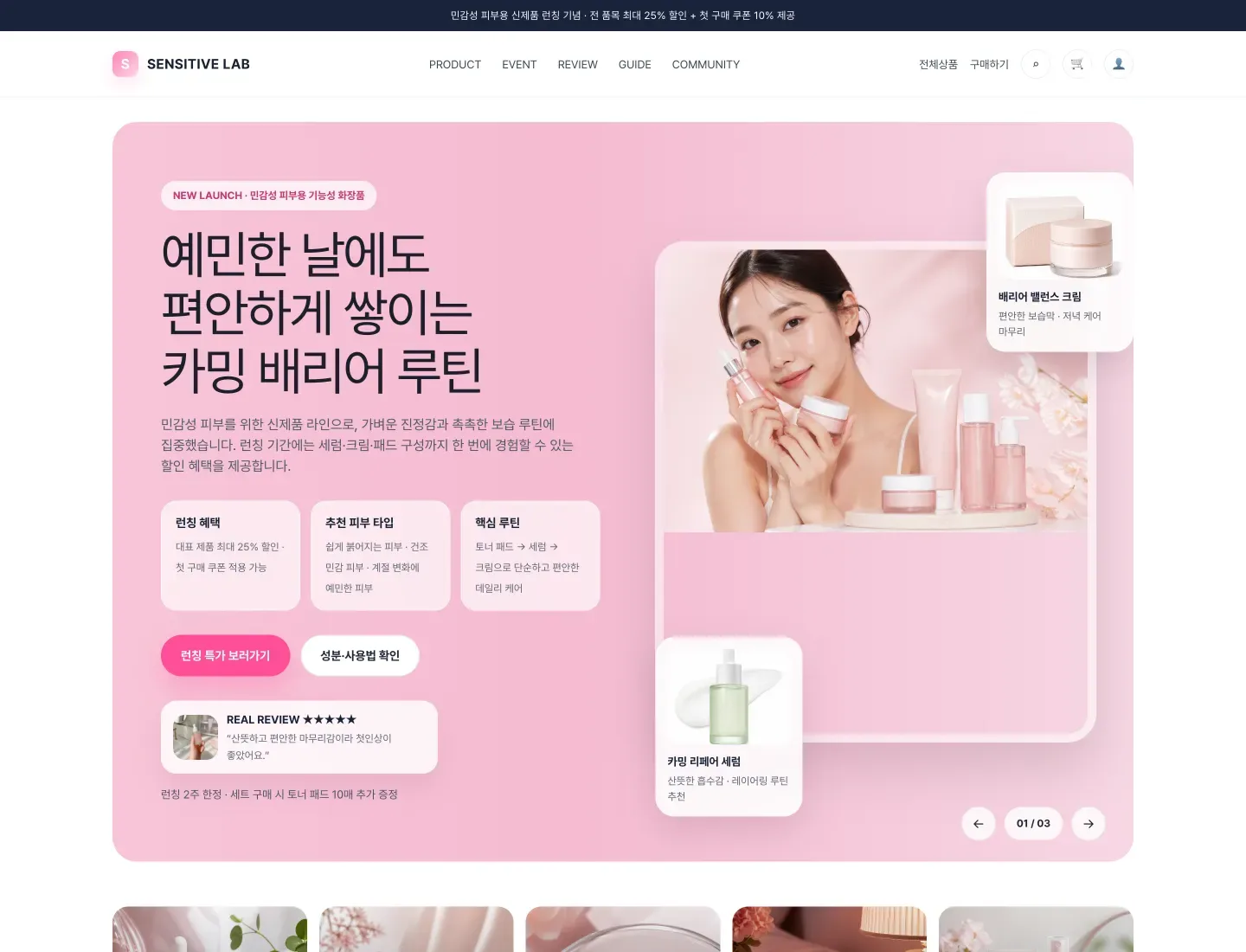




After choosing a template, make sure the ad message, CTA, and tracking setup match the page.
Visitors should see the same promise from the keyword or creative in the page title and CTA.
If you run multiple creatives, separate pages by campaign when possible.
Look beyond lead count and check which ad brings better quality responses.
When ad creative changes, update the first screen and proof sections together.
Common questions about campaign pages, forms, and tracking.
A homepage introduces the brand and many pieces of information. An ad landing page is built for visitors from one campaign to take one specific action.
Choose one action based on the campaign goal, such as consultation request, quote request, coupon claim, waitlist signup, demo request, or purchase.
Yes, but the template is only the starting point. Unique titles, descriptions, body copy, internal links, examples, and campaign-specific messaging matter more.
Connect events such as form submission, CTA click, completed booking, or purchase to GA4 or your ad pixel and compare them by campaign.
Start with campaign copy, forms, and conversion tracking in one place

AI Business System Builder