
Definition
What is an enrollment page?
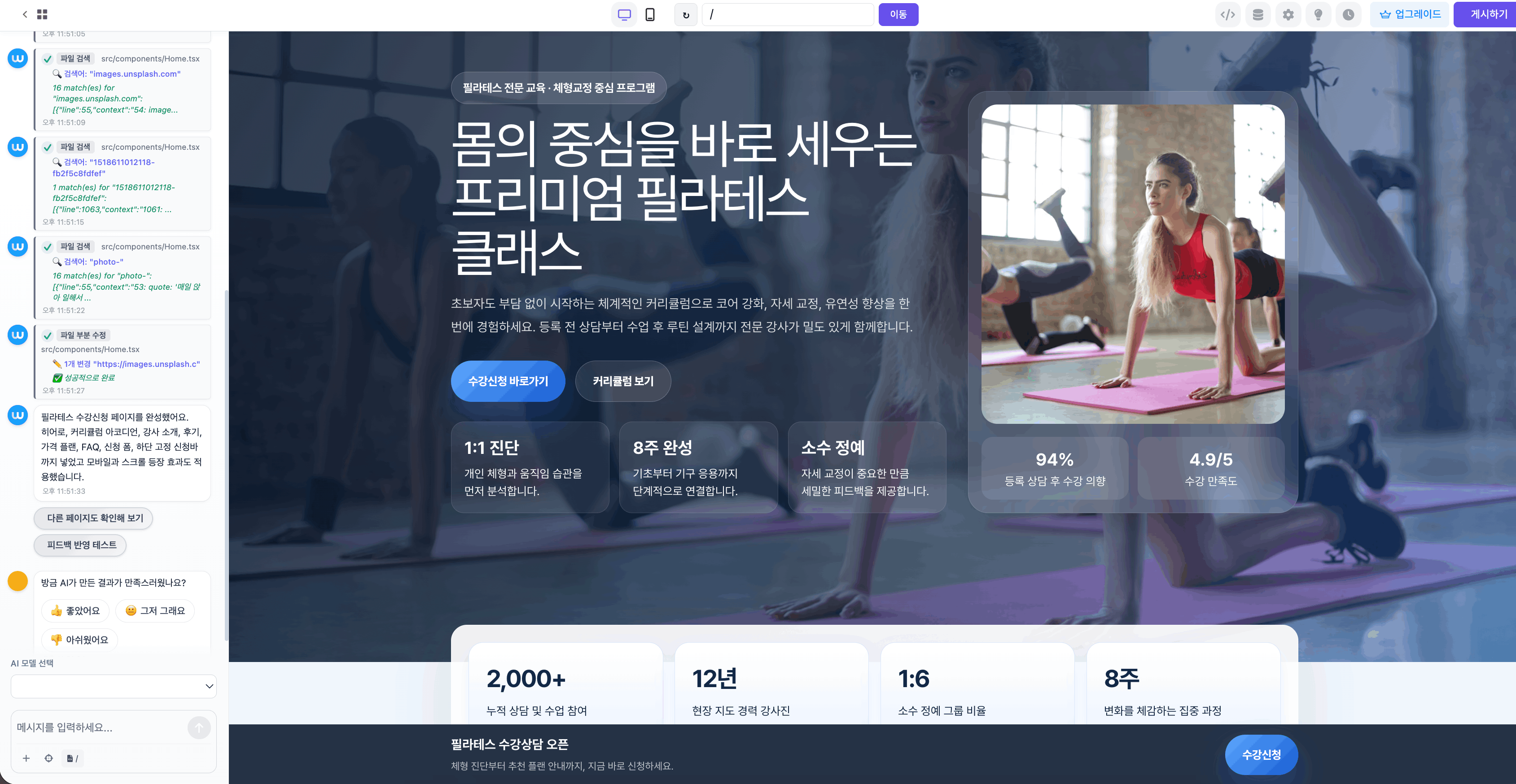
A page that introduces a course or program and collects consultation, level test, or enrollment requests.
Create course guides, academy pages, and enrollment forms.
Start recruiting students right away.
See how institutions create education pages with Waveon
"Quickly built an academy enrollment page and started recruiting."
— Academy director
"We create fresh education program pages every season."
— Education program planner
Start with proven templates
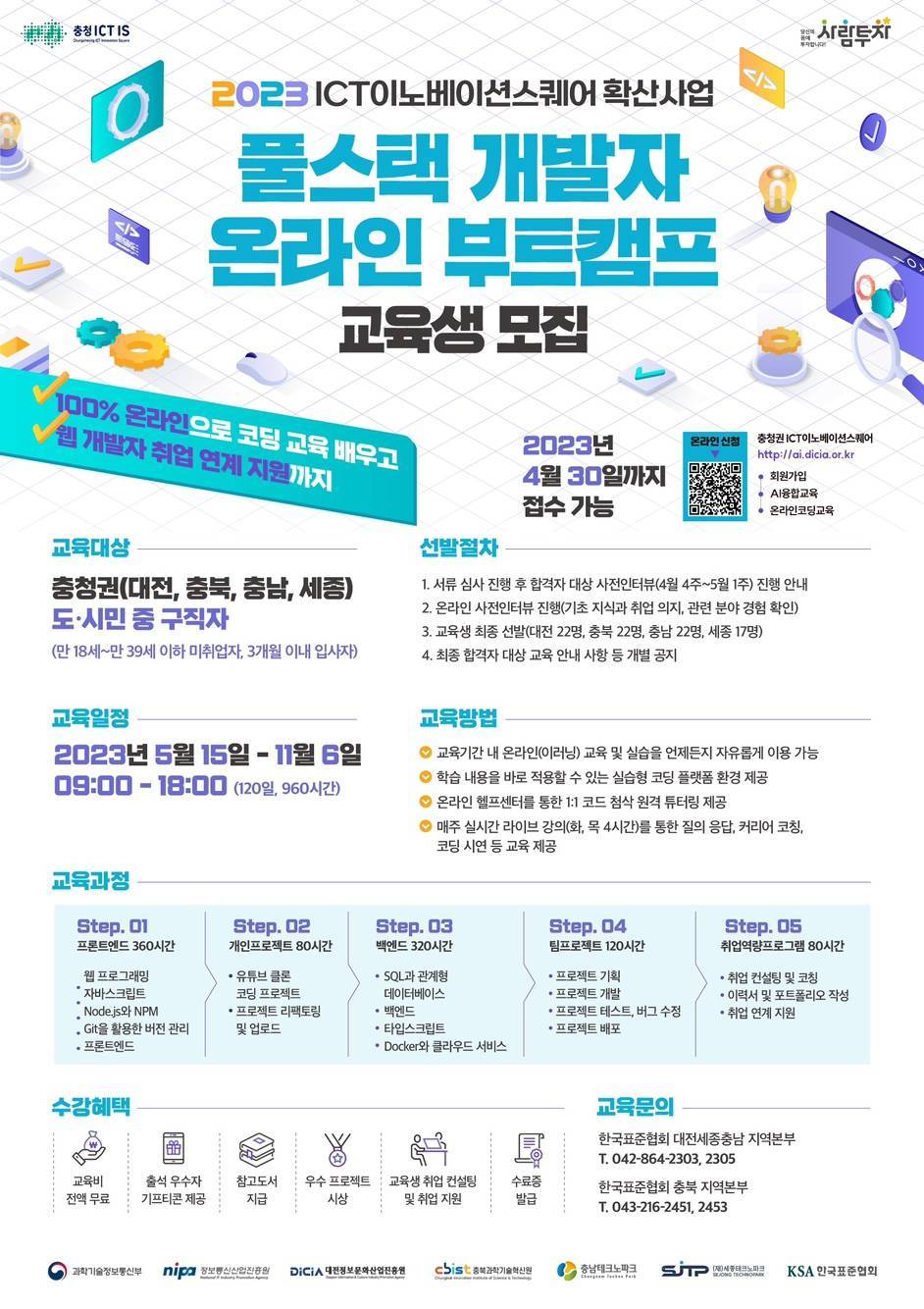
Students need to compare curriculum, level, schedule, cost, and outcomes before applying.
A page that introduces a course or program and collects consultation, level test, or enrollment requests.
Prospective students need to know whether the course fits their level, goal, schedule, and expected outcome.
Start from templates and add curriculum, instructors, reviews, enrollment forms, and response storage.
Education requires time and money, so visitors need enough explanation and proof before they apply.
| Criteria | Simple application form | Education landing page |
|---|---|---|
| Course decision | Only course name and contact details are captured. | Audience, level, curriculum, and outcomes are shown together. |
| Inquiry quality | Visitor level and goal are hard to understand. | Current level, goals, and schedule preference can be collected. |
| Trust building | Instructor and review information may be missing. | Instructor profile, reviews, outcomes, and student examples support the decision. |
Students should be able to judge whether the course fits their situation before applying.
Clarify whether the course fits beginners, professionals, exam takers, or another group.
Explain what students learn and what they can produce or achieve after completion.
Use instructor background, reviews, portfolios, pass results, or employment cases as proof.
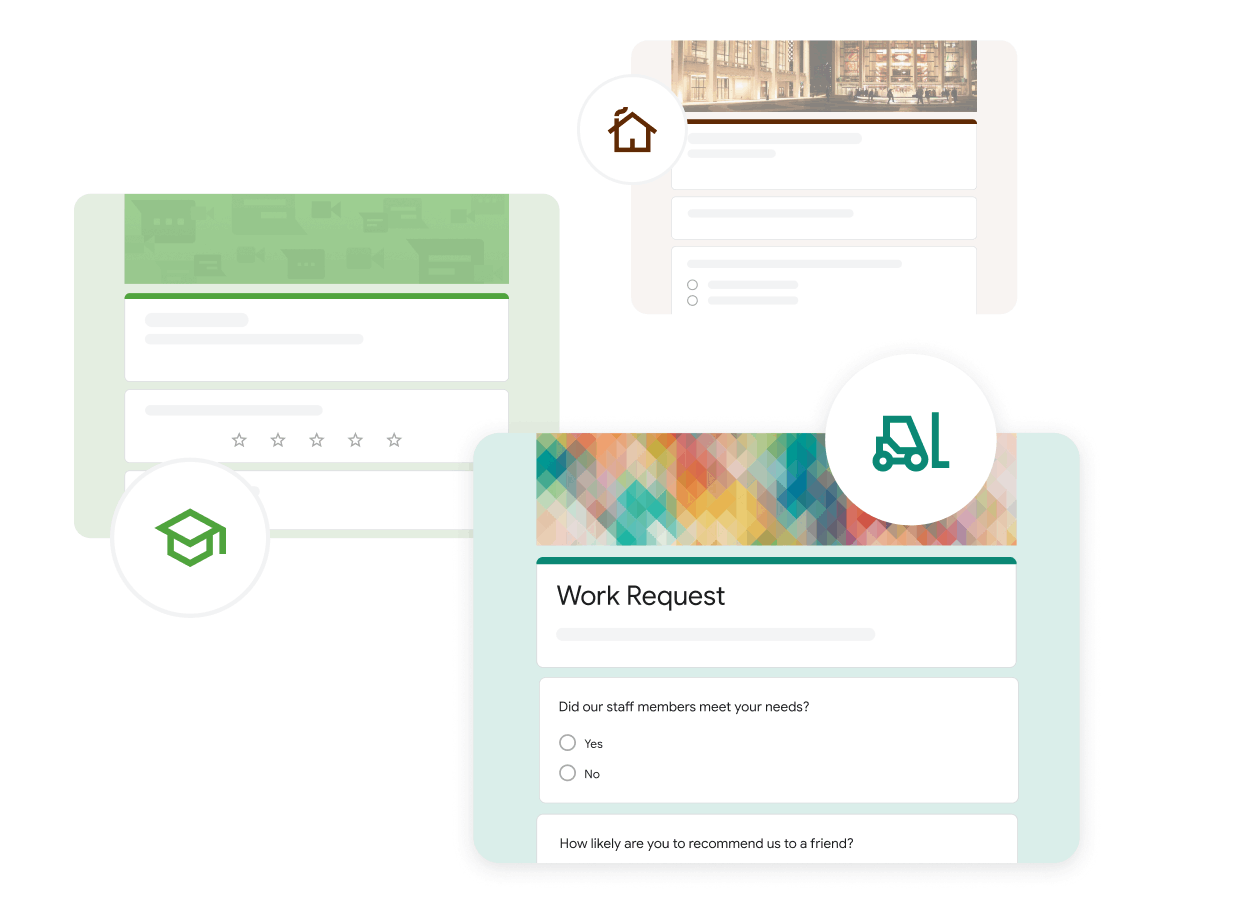
Collect course interest, current level, preferred schedule, and contact for follow-up.
Certification, language classes, bootcamps, and trial classes each create different doubts and expectations.
Education pages should support consultation, payment, preparation messages, and reminders after the initial request.
Capture current level and objective to improve consultation quality.
Guide applicants based on preferred schedule, level, and availability.
Separate states such as pending, consulted, payment pending, and enrolled.
Duplicate the page each opening season and update schedule, benefits, and capacity.
Explore course registration, class pages, level tests, and enrollment operations.






Prospective students should be able to judge fit before they apply.
Students first check whether the program fits their level and what they will gain.
If programs have different search intent, separate the pages.
Level tests, consultation, payment, and class preparation should continue after the form.
Collect current level and goals to make follow-up consultation easier.
Common questions about class registration forms and enrollment pages.
A form only collects information. An education page explains the audience, curriculum, instructor, reviews, schedule, and outcomes before asking for enrollment.
Name, contact, and course interest are the basics. Add current level, goal, preferred schedule, and consultation time to make follow-up easier.
If the audience and search intent are different, separate pages are usually better. Certification courses, language classes, and bootcamps are judged by different criteria.
No. Duplicate the existing page and update schedule, benefits, capacity, and CTA for each new season.
Education pages ready in minutes — start free

AI Business System Builder