Guides
What to Fix Before ERP Implementation: A Readiness Checklist for SMBs

Waveon Team
4/26/2026
0 min read

Six months later, the system is live. Nothing has sorted itself out. Item codes don't match across departments. The receiving workflow doesn't translate to how the ERP expects data to flow. The team is still running a parallel spreadsheet because "the numbers in the system don't look right."
This isn't a software problem. It's a preparation problem. ERP systems don't fix operational gaps — they expose them, at significant cost. This guide covers what preparation actually looks like, and how to know whether full ERP is even the right move for your business right now.
Why ERP Projects Fail Before ERP Implementation Even Starts
There's a pattern to ERP failures that shows up regardless of which system a company chooses. It almost never starts with bad software.
Data migration turns into a rescue operation. A two-week import becomes months of untangling duplicate SKUs and unverified supplier records. The timeline slips while the team debates which version of the data is correct — and the vendor's billing clock keeps running.
The system gets configured around a broken process. If your purchase approval process is "message the manager and hope," that's what gets digitized into the ERP. The system doesn't redesign workflows — it enforces whatever structure you give it.
Adoption collapses quietly. A separate spreadsheet appears — "just for reference." Then that file becomes where work actually happens. Within a year, the ERP is a compliance checkbox and the spreadsheet is the real system of record.
💡 Before selecting a vendor, it's worth understanding what drives the real cost — not just the license fee. → The Hidden Costs of ERP Implementation Explained
The Operational Issues You Need to Fix for ERP Implementation Readiness
Before signing anything, three areas need to be defined and documented. Without them, implementation will surface every gap that was quietly hidden in your manual process.
Purchase and receiving workflows. Who is authorized to place an order? When stock arrives, who counts it, who records it, and what happens when the quantity doesn't match the PO? Map the workflow before you touch any software. A well-configured ERP can automate a defined process. It cannot define one for you.
Approval chains and what happens when they break. Informal approvals hold up fine at low volume. When order frequency increases or staff changes, they fall apart. Document your approval logic for purchasing, receiving, and vendor payments before implementation starts. A system that handles 80% of cases cleanly but has no path for the other 20% creates more manual work than it replaces.
Supplier terms and payment conditions. Lead times, MOQ, and payment terms need to be captured per supplier — not estimated from memory. If this knowledge lives in one person's head, it needs to be written down. Incomplete supplier data causes problems in every downstream process.
Data You Must Clean Up Before ERP Implementation
Data cleanup takes longer than anyone expects. Problems invisible in a spreadsheet become impossible to ignore when you load data into a system that demands consistency.
Data Type | Common Problems | What to Fix Before Import |
|---|---|---|
Item master | Duplicate codes, inconsistent naming, mixed units | Standardize codes, merge duplicates, define one unit per SKU |
Supplier records | Outdated contacts, missing payment terms | Verify and consolidate into a single list |
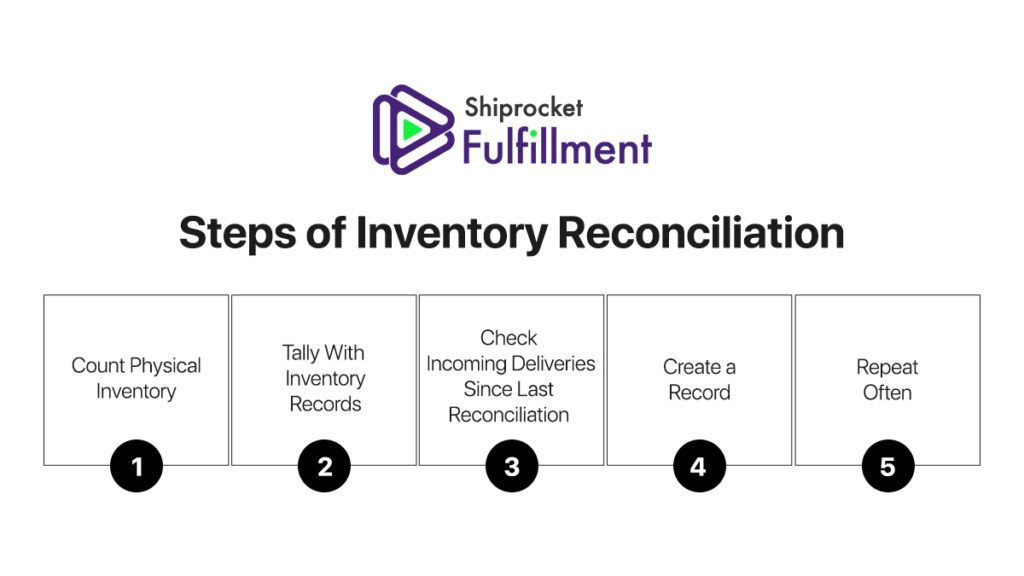
Current inventory | System count doesn't match physical count | Complete a physical count and reconcile before import |
Open purchase orders | Partial receipts unrecorded, old POs never closed | Audit all open POs before go-live |
Customer/vendor terms | Terms stored informally across files | Document per account and confirm with counterparties |
Export your full item list and flag every duplicate, inconsistency, and missing field before importing anything
Set a single naming convention and unit standard, then apply it across every SKU without exceptions
Don't carry forward data you don't trust — a clean starting point beats inheriting years of accumulated errors
How to Tell if You Need ERP or a Smaller Operations System
ERP implementation readiness isn't just about whether your team is prepared. It's also about whether full ERP is the right answer for where your business is now.
Enterprise ERP is built for complexity — multi-entity accounting, manufacturing BOMs, global supplier networks. For many SMBs, that overhead isn't proportionate to the problem being solved. A focused operations system handling inventory, purchasing, and settlement is often a better fit for teams that have outgrown spreadsheets but aren't ready for a six-to-twelve month implementation.
Full ERP is likely right if you have 100+ suppliers, multi-entity accounting requirements, or a dedicated IT team to own the implementation long-term
A focused operations system is probably enough if your team is under 50 people and the core problem is that manual processes are creating errors and delays — not that your processes are structurally too complex to manage
The clearest warning sign: if the vendor's implementation timeline is longer than it would take to fix your current process manually, the system is the wrong size for the problem
💡 Not sure which category your business falls into? → How to Choose an ERP for Your Small Business (Without the Costly Mistakes)
A Practical ERP Implementation Readiness Checklist for SMB Teams

Work through this before any vendor conversations begin. Items you can't check off are preparation tasks — better addressed now than discovered mid-implementation.
Item and inventory data
☐ A single item master exists with standardized codes and naming
☐ Units of measure are consistent across all SKUs
☐ Physical inventory count matches system records within an acceptable tolerance
Purchasing and receiving
☐ Purchase approval thresholds and approvers are documented
☐ Supplier lead times, MOQ terms, and payment conditions are recorded per supplier
☐ Open purchase orders have been audited and updated
Settlement and payments
☐ Payment terms are documented per customer and supplier
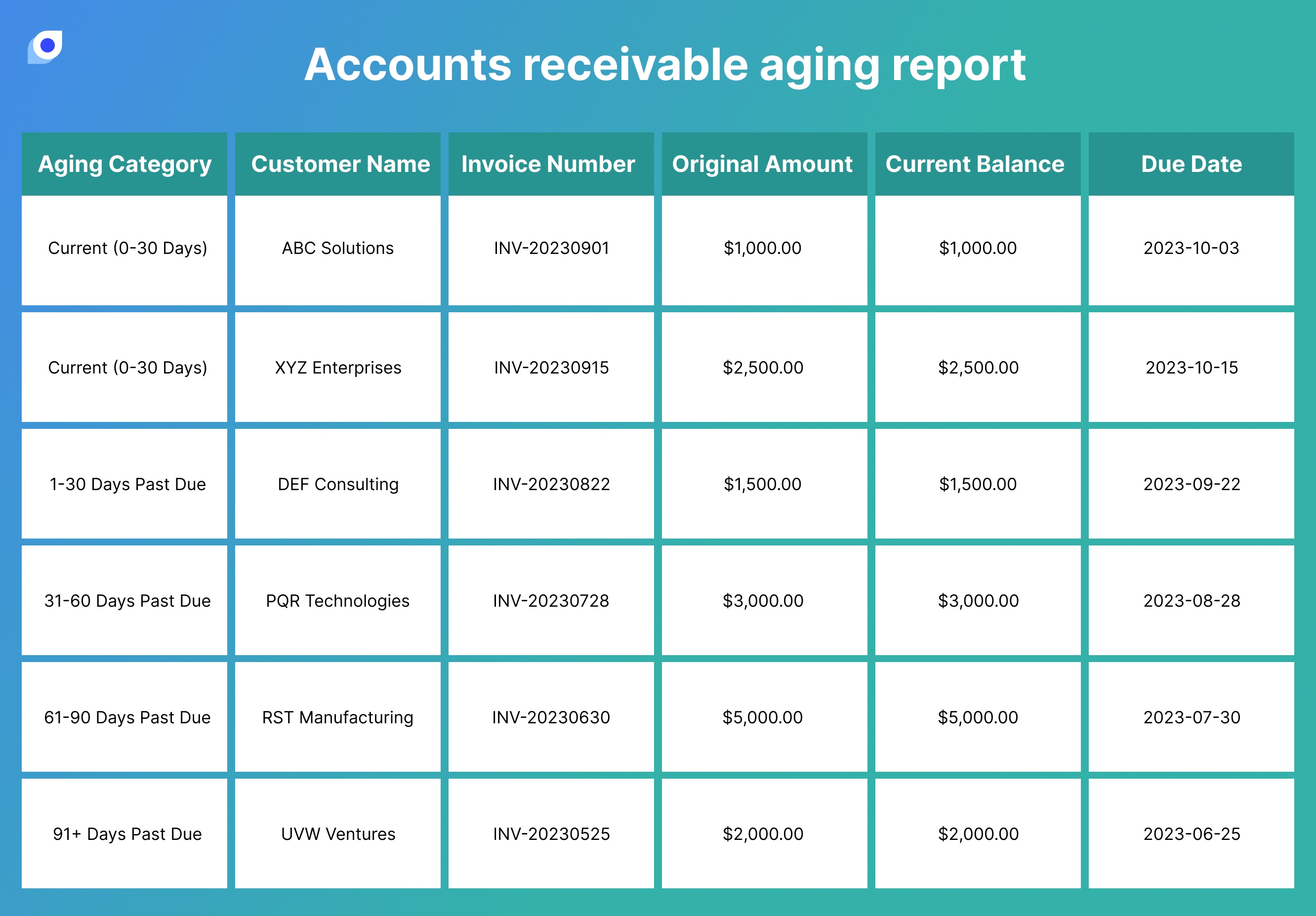
☐ Overdue account handling is written down with a named owner
Organizational readiness
☐ An internal implementation owner has been designated
☐ The specific problems ERP is expected to solve are agreed upon by stakeholders
☐ Daily users have been identified and consulted before decisions are made
If more than half of these are unchecked, preparation is where the project belongs — not vendor selection.
ERP works best as the final step in a preparation process, not the first move when operations feel unmanageable. If your team isn't at the ERP stage yet, Waveon lets you manage inventory, purchasing, and settlement in one place — without the setup overhead of enterprise software. Some teams use it to stabilize data and processes before ERP. Others find it solves the problem well enough that full ERP never becomes necessary. → Try Waveon's inventory, order, and settlement management template
Learn more about No-code insights
Subscribe Waveon Newsletter
*Type your email address