Insight
The Hidden Costs of ERP Implementation Explained

Waveon Team
3/24/2025
0 min read
ERP systems are the backbone of modern business operations. They bring inventory, finance, HR, CRM, and supply chain functions together into one unified platform.
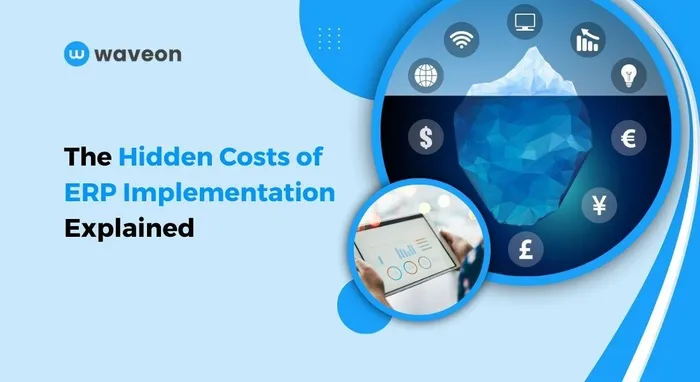
However, this digital transformation often comes at a high price. According to an ERP report, the average cost of ERP implementation is $625,000. While this figure is already substantial, what most companies don’t anticipate are the hidden costs — the expenses that creep in during or after the ERP implementation process, often blowing the budget and delaying processes.
Let’s dive into the commonly overlooked costs of ERP implementation and learn how to manage them proactively to reduce costs and prevent delays.
1. Labor and Training Costs
An ERP system is only as good as the people using it. Employees must unlearn old habits and master new skills, from navigating unfamiliar processes to building dashboards directly within the system.
Most companies introduce external consultants, project managers, and ERP specialists to guide teams through the process. These professionals can charge hourly or on a project basis, adding thousands of dollars to the initial cost of ERP implementation.
Training programs often include:
Instructor-led sessions
Customized training manuals
Role-based workshops
Ongoing support post-implementation
Moreover, the opportunity cost of employees stepping away from their daily roles to attend these sessions can temporarily lower productivity. Depending on the size of your team and the complexity of the ERP solution, training costs can run well into five or six figures.
Without careful time tracking and budget allocation, labor costs can become one of the most underestimated costs of implementing an ERP.
2. Data Migration Expenses
Migrating data from legacy systems to a new ERP system isn’t just a drag-and-drop task. It involves:
Data extraction from multiple sources
Cleaning inaccurate or outdated entries
Standardizing data formats
Validating accuracy to ensure integrity
Often, third-party experts are required to handle this migration safely, particularly when sensitive financial or customer data is involved. Depending on your legacy system’s complexity, this could become a time-intensive and costly phase of ERP implementation.
3. Testing, Debugging, and Reconfiguration Expenses
Once an ERP is created, rigorous testing is required to ensure it runs and integrates seamlessly with existing tools and processes.
With each round of testing, teams often uncover bugs, configuration issues, or missing features, all of which require fixing — sometimes urgently. The ERP system may have to go through multiple sets of testing and debugging unless all the flaws are removed.
On top of the technical rework, you may also face temporary service disruptions, inventory inaccuracies, or customer transaction delays. The final version of ERP is created after correcting these bugs. To maintain service continuity, companies often need to allocate resources for customer support and communication.
All of these add to your ERP implementation costs.
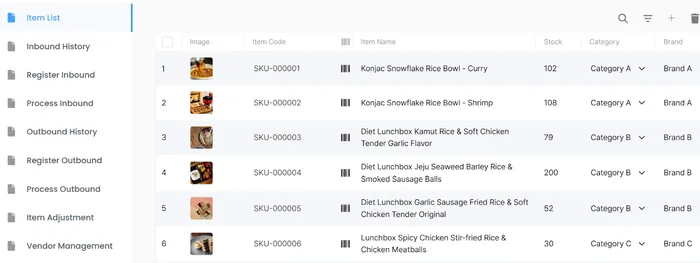
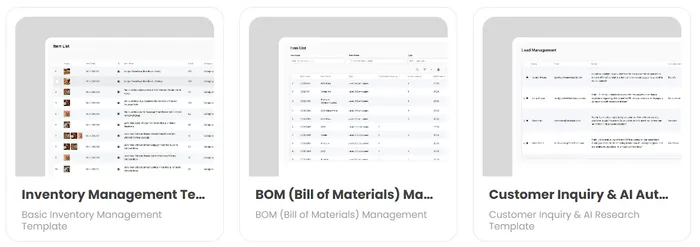
Using no-code ERP builders with pre-built templates can help reduce this to and fro. Take, our inventory management template, for example, that lets you start on the right foot.
4. Customization and Integration Challenges
No two businesses are the same and neither are their ERP needs.
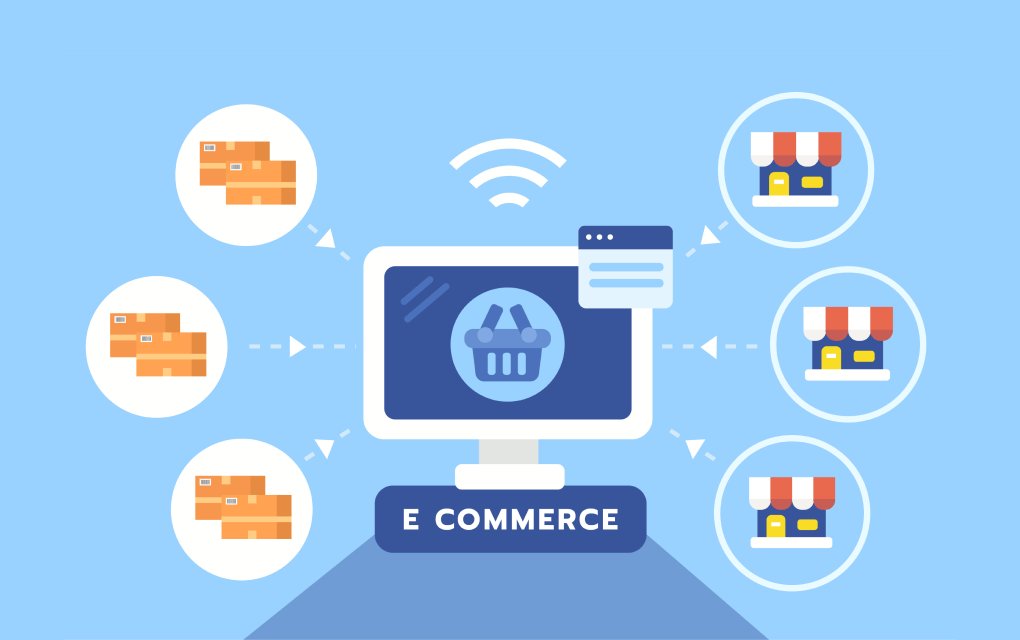
Customizing your ERP system to align with specific workflows or integrate with third-party applications (like CRM, payroll, or ecommerce platforms) can add layers of complexity. This may increase development and testing costs and time.
One way to reduce these costs is to use a no-code ERP builder like Waveon, which offers pre-built templates and modules tailored to specific industries and business functions, making customization and integration easier and more affordable.
For distributors and wholesale businesses that only need inventory and order management, StackCube provides a focused alternative without the implementation overhead.
5. Business Process Re-Engineering and Adaptation Costs
ERP implementation isn't just about adopting new software, it is a chance to improve how your business runs.
Many companies try to skip process re-engineering to save time, but outdated workflows can limit the benefits of a modern ERP. The system likely comes with built-in best practices. Why customize it to fit broken processes?
Instead, use this opportunity to:
Streamline workflows
Redefine approval structures
Upgrade reporting methods
Aligning with system best practices early on reduces long-term costs and boosts efficiency.
6. Maintenance and Support Costs
Post-launch, your ERP system requires continuous maintenance to ensure optimal performance. This includes regular updates, security patches, user management, and ongoing troubleshooting.
For on-premise systems, maintenance often means hiring dedicated IT staff or expanding your existing tech team, which adds to your operational costs. In contrast, cloud-based ERPs come with recurring subscription fees. You can upgrade your plan as your business scales to accommodate the growing user count and the requirement for additional modules.
That said, cloud-based ERP platforms are generally more affordable over time. They eliminate the need to manage server infrastructure and large in-house teams.
No-code ERP builders like Waveon, for example, offer automated updates, built-in security compliance, and flexible pricing models, easing the long-term maintenance load for growing businesses.
7. Unexpected Software Pricing Adjustments
Many businesses assume the initial quote includes everything they’ll need but ERP licensing can be deceptively complex.
Hidden software costs include:
Purchasing additional modules
Adding users (especially if the system is priced per user)
Upgrading to higher-tier plans for advanced features
API access or third-party tool integrations
These “extras” can escalate your software investment by 30–50% of your base quote. Always scrutinize licensing terms and plan for scalability.
How No-Code ERP Systems Like Waveon Help Reduce These Costs
Modern no-code ERP platforms are disrupting the traditional implementation model — and for good reason.
Here’s how Waveon helps reduce the hidden costs of ERP implementation:
No-code platform: Enables ERP system setup without programming knowledge, saving development costs and time
Flexible customization: Easily adjusts the system for different industries and companies (especially for unique businesses or those requiring customization)
Quick implementation: Implementation is simple and fast, allowing teams to adopt the system and get it running quickly
Cost-effective: Budget-friendly and easy to maintain
Read more on No-code ERP vs. traditional ERP: Which is better?
ERP implementation can be a transformative investment but only if you account for all the costs involved. While the software price may be visible upfront, labor, training, data migration, testing, and customization costs often lurk in the shadows, waiting to derail your budget.
The good news? With the right platform and proper planning, you can mitigate these hidden costs and experience faster and more affordable ERP implementation.
Learn more about No-code insights
Subscribe Waveon Newsletter
*Type your email address