Insight
What Is an Order Management System (OMS)? A Complete Guide (2026)

3/13/2026
0 min read
Every growing business hits the same wall: orders come in from multiple channels, inventory gets out of sync, and someone on the team is manually copying data between spreadsheets. That's the problem an Order Management System is built to solve.
What Is an Order Management System (OMS)?
An Order Management System (OMS) is software that manages the entire lifecycle of a customer order — from the moment it's placed to the moment it's delivered (and returned, if needed).
At its core, an OMS handles:
Order capture — collecting orders from all your sales channels into one place
Inventory check — confirming stock availability in real time
Payment verification — processing and validating payments
Fulfillment routing — sending orders to the right warehouse or fulfillment center
Shipping and tracking — generating labels and providing delivery updates
Returns and exchanges — handling reverse logistics automatically
Without an OMS, each of these steps lives in a different tool or spreadsheet. With one, they're connected in a single workflow.
When Do You Actually Need an OMS?
Not every business needs a dedicated OMS on day one. But you probably need one if:
You sell through more than one channel (your own website, Amazon, retail, wholesale)
You're processing enough orders that manual tracking causes errors — missed shipments, overselling, wrong items sent
Inventory accuracy is becoming a problem — stock counts don't match reality
Your team spends more time on data entry than actual operations
If you're a single-channel seller with a handful of daily orders, your e-commerce platform's built-in tools are likely enough. The tipping point comes when the cost of errors and manual work exceeds the cost of a system.
How an OMS Works: The Core Process
Here's how a typical OMS processes an order from start to finish:
Product listing sync — Products are listed across multiple sales channels with centralized inventory data
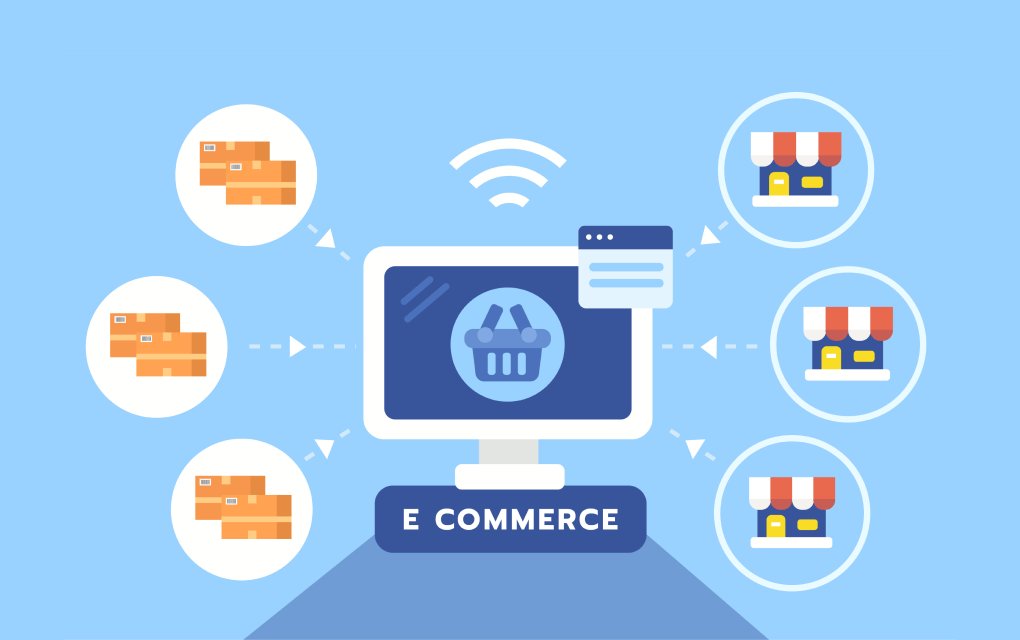
Order collection — Orders from all channels (online store, marketplaces, offline POS) flow into a single dashboard
Order processing — The system checks inventory, confirms payment, and prepares the order for fulfillment
Fulfillment and shipping — The order is picked, packed, and shipped, with tracking information sent to the customer
Returns and refunds — If a customer returns an item, the OMS handles the return, restocking, and refund automatically
The key benefit isn't any single step — it's that all five steps are connected. When an order ships, inventory updates. When a return is processed, stock is restocked. No manual reconciliation needed.
B2C OMS vs. B2B Order Management: They're Not the Same
Most OMS platforms are designed for B2C (direct-to-consumer) sales. If your business sells to other businesses — distributors, wholesalers, retail partners — a standard OMS won't cover what you need.
Here's why:
What a B2C OMS handles
Individual consumer orders
Fixed pricing (retail price)
Immediate payment (credit card, PayPal)
Shipping and delivery tracking
Returns and exchanges
What B2B order management requires on top of that
1. Customer-specific pricing
Distributor A gets 15% off, Distributor B gets 20% off, Retailer C has a negotiated flat rate — every account has different pricing.
2. Flexible payment terms
B2B transactions rarely use immediate payment. Net 30, Net 60, quarterly settlement, split payments — your system needs to handle all of these.
3. Credit limits
Each account has a maximum outstanding balance. When they hit the limit, new orders should be blocked until payment is received.
4. Accounts receivable (AR) tracking
Invoices have been sent, but payment hasn't arrived yet. You need to track outstanding balances by account and aging period.
5. Dedicated ordering portal
Instead of a consumer-facing storefront, B2B buyers need a private portal where they can place orders, see their specific pricing, and track order history.
B2C vs. B2B comparison
| Feature | B2C OMS | B2B Order Management |
|---|---|---|
| Who orders | Individual consumers | Business accounts (distributors, retailers) |
| Pricing | Fixed retail price | Account-specific pricing |
| Payment | Immediate (card, digital wallet) | Net terms, invoicing, credit |
| Settlement | Instant | Monthly / quarterly |
| Credit limits | Not applicable | Per-account credit limits |
| AR tracking | Not needed | Essential |
| Ordering interface | Public storefront | Private buyer portal |
| Inventory | Auto-deduct on purchase | Deduct based on approval or fulfillment workflow |
If your business does both B2C and B2B, you may need a system that handles both workflows — or two separate systems that integrate with each other.
OMS vs. Other Supply Chain Systems
An OMS doesn't operate in isolation. It's one part of a larger supply chain technology stack. Here's how it relates to other systems:
| System | What it manages | Key functions |
|---|---|---|
| OMS | Order lifecycle | Order capture, payment, fulfillment routing, returns |
| WMS | Warehouse operations | Inventory location, picking/packing, warehouse layout optimization |
| TMS | Transportation | Route optimization, carrier selection, freight cost analysis |
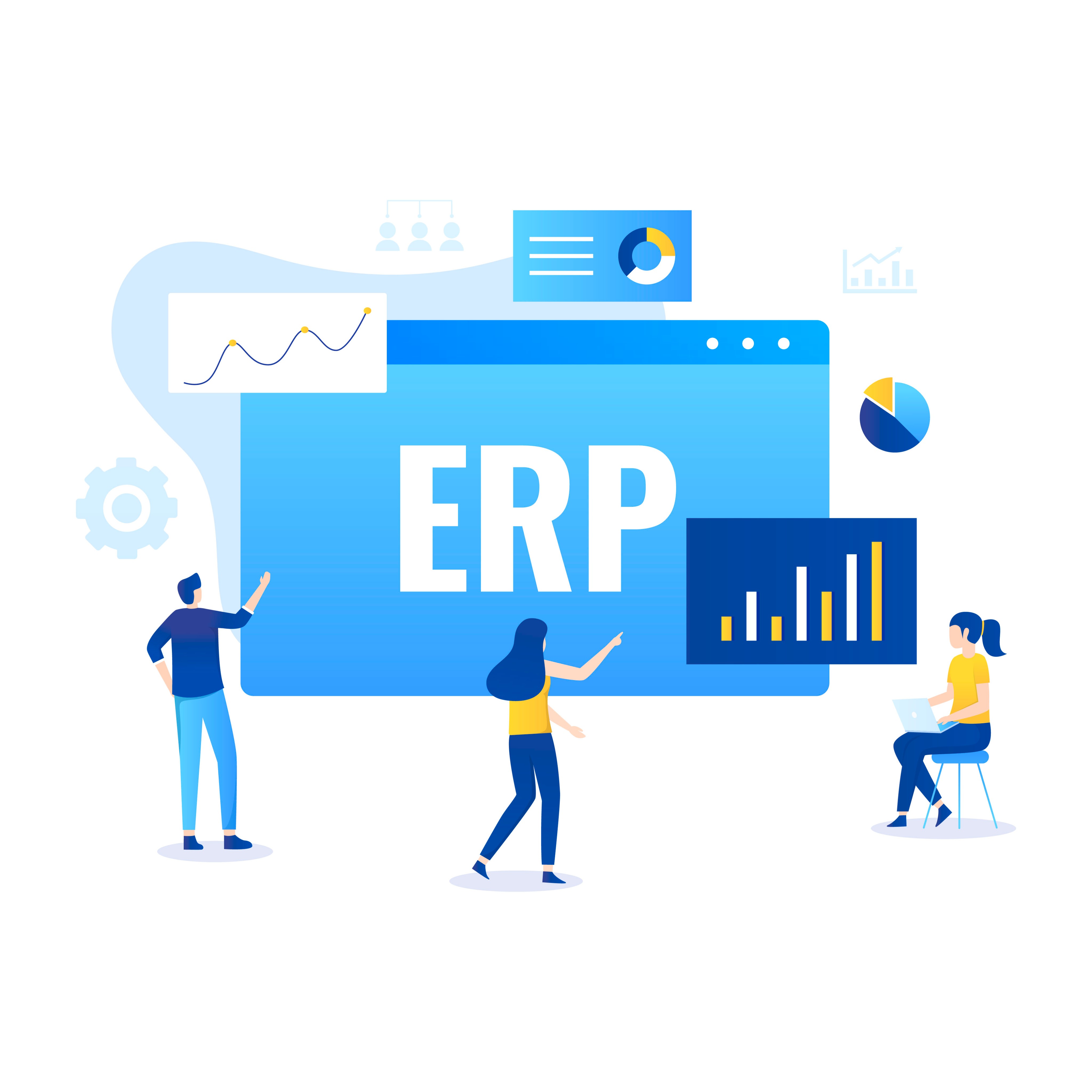
| ERP | Entire business | Finance, HR, procurement, manufacturing — including order management |
How they work together: A customer places an order (OMS) → the OMS checks stock and routes it to a warehouse (WMS) → the warehouse picks and packs the order → a carrier is selected and the shipment is optimized (TMS). An ERP may sit above all of these, connecting order data with finance, procurement, and reporting.
For most small businesses, you don't need all four systems. Start with an OMS, and add WMS or TMS as your operations grow complex enough to justify them.
What to Look for When Choosing an OMS
If you've decided an OMS is worth exploring, here are the key criteria to evaluate:
1. Does it match your sales model?
A B2C OMS and a B2B order management system are fundamentally different. Make sure the tool you're evaluating actually supports your workflow — not just the one it was marketed for. If you run both B2C and B2B, check whether the platform handles both or if you'll need a second tool.
2. Does it integrate with your existing stack?
An OMS that doesn't connect to your e-commerce platform, accounting software, or inventory system creates more work, not less. Check for native integrations or API access.
3. What does it actually cost?
Look beyond the subscription fee. Factor in setup costs, per-transaction fees, integration costs, and the cost of scaling (more users, more orders, more channels). Calculate the ROI: how much time and error-cost will the system save?
4. Can your team actually use it?
A powerful system that nobody wants to use is a waste of money. Look for intuitive interfaces and adequate onboarding support. If it takes months to train your team, that's a hidden cost.
When a Full OMS Is More Than You Need
Enterprise OMS platforms are powerful — but they come with enterprise pricing, long implementation timelines, and features most small businesses will never use.
If you're a small business that needs to track orders and inventory without the overhead of a full OMS, a lighter approach may work better. No-code platforms like Waveon let you build a simple order and inventory management workflow without development — and scale it as your business grows.
Try Waveon's order management template for free →
Not sure which tool is right for you? See our detailed comparison: Best Order Management Systems for Small Businesses (2026).
Related reading:
Learn more about No-code insights
Subscribe Waveon Newsletter
*Type your email address