Insight
What Is ERP for Small Businesses? A Practical Guide (2026)

3/12/2026
0 min read
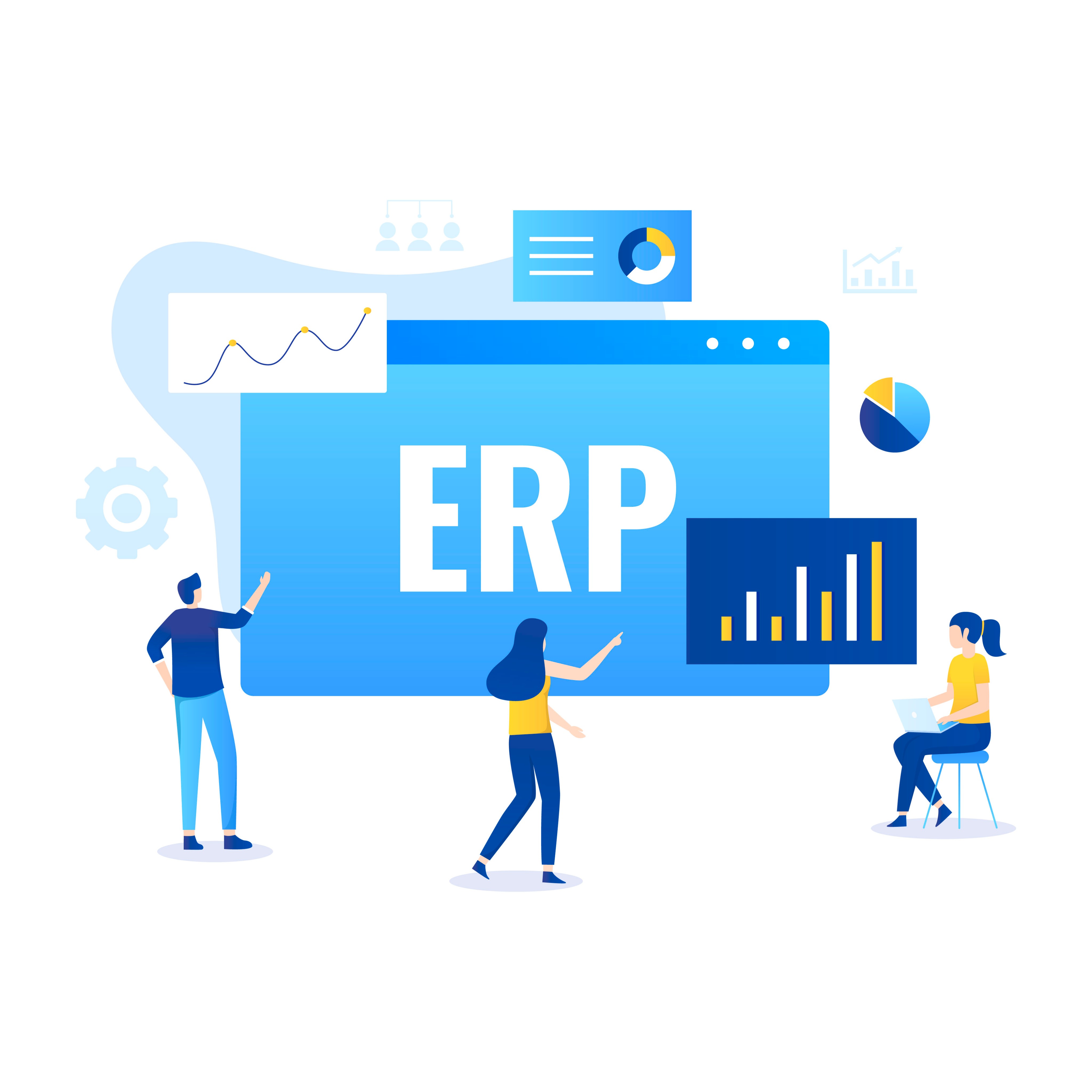
What Is ERP?
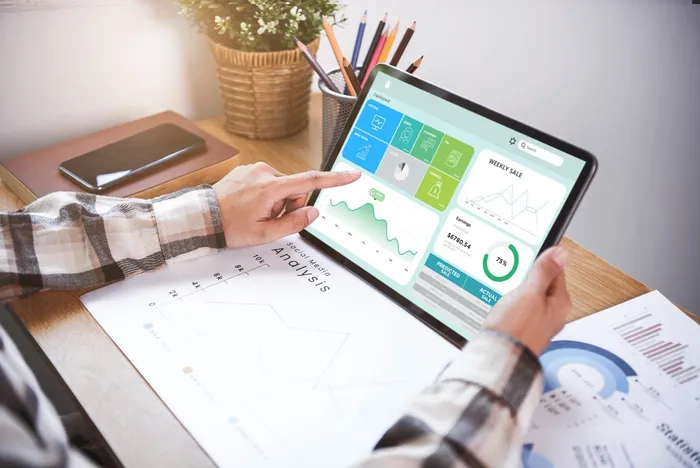
For a small business, think of it this way: instead of checking three different files to answer "do we have enough stock to fulfill this order?", an ERP gives you the answer instantly — because your inventory, orders, and purchasing data all live in the same system.
What Does an ERP System Actually Do?
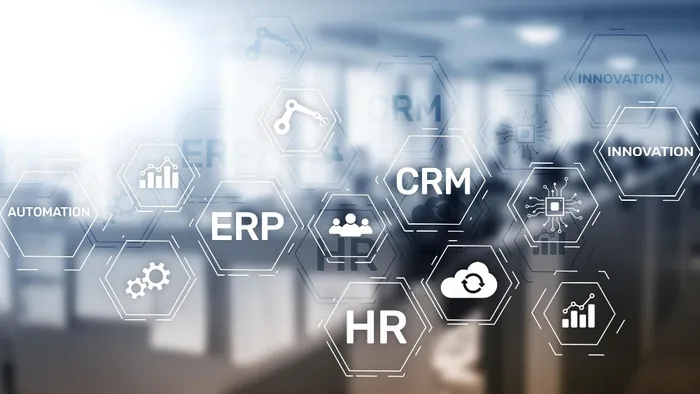
ERP systems vary widely, but most cover these core areas:
Financial Management: Track revenue, expenses, invoices, and cash flow in one place. Generate financial reports without manual spreadsheet work.
Inventory & Warehouse Management: Monitor stock levels in real time. Know what's on hand, what's incoming, and what needs reordering — without counting manually.
Order & Sales Management: Process customer orders, track fulfillment status, and connect sales data to inventory automatically.
Procurement & Purchasing: Manage supplier relationships, track purchase orders, and ensure materials arrive on time.
Production Planning: Schedule manufacturing runs based on demand forecasts and available materials. Especially relevant for businesses that build or assemble products.
Reporting & Analytics: Dashboards and reports that give you a real-time picture of your business — without copy-pasting data across sheets.
The key idea: instead of each department working in its own silo, ERP connects the data so a change in one area (say, a new order) automatically updates the others (inventory goes down, purchasing gets alerted).
Why Small Businesses Look Into ERP

Most small businesses don't start out needing ERP. Spreadsheets work fine when you have a handful of products, a few suppliers, and a small team. The problems show up when you start scaling:
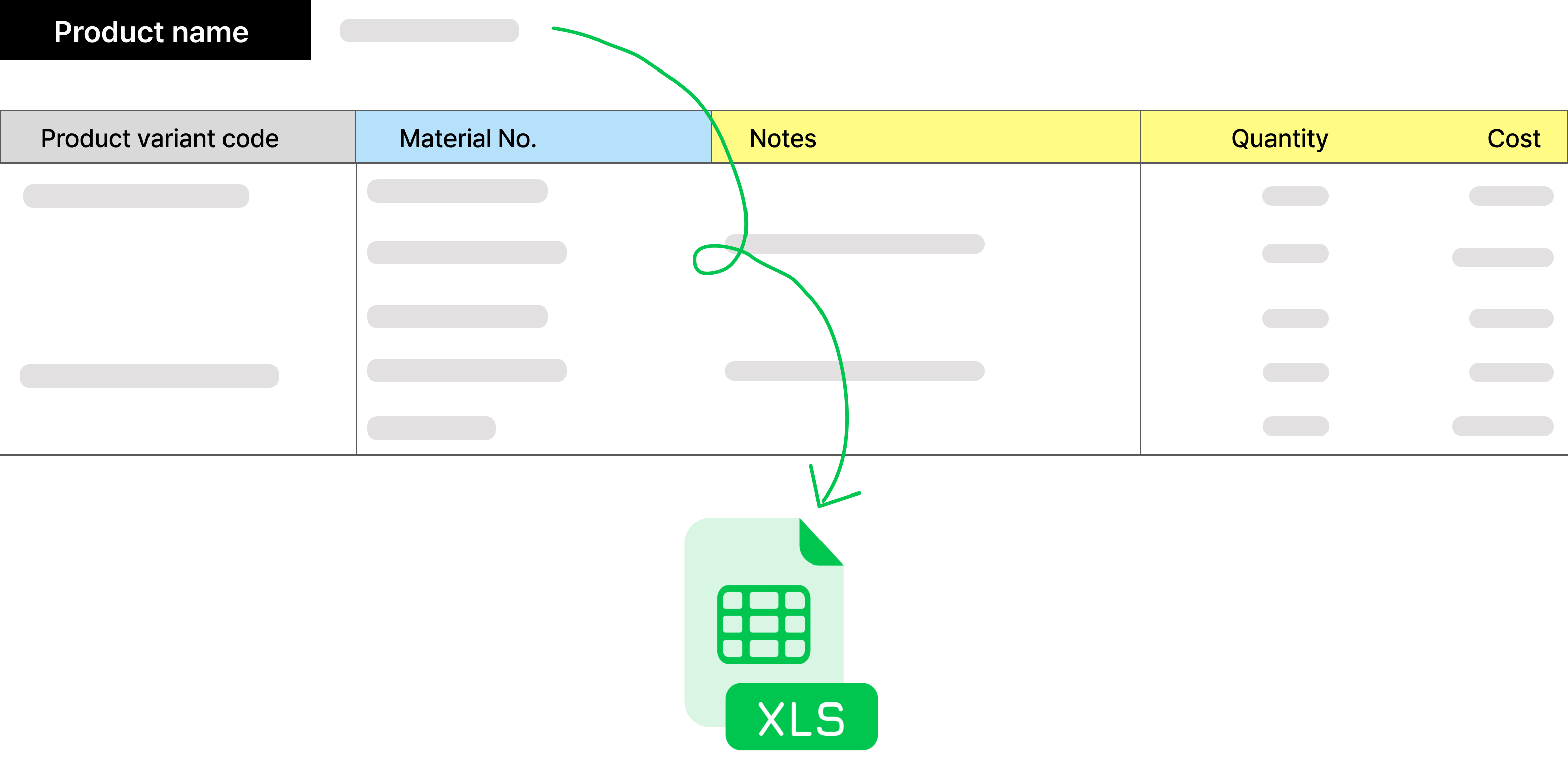
Manual data entry is eating your time
Every order requires someone to update the inventory sheet, the finance tracker, and the shipping log. As volume grows, this becomes a full-time job — and mistakes multiply.
You can't see the full picture
Sales data is in one tool, inventory in another, finances in a third. Getting a clear answer to "how's the business doing?" requires hours of consolidation.
Stockouts and overstocking keep happening
Without real-time inventory visibility, you're either ordering too much (tying up cash) or running out (losing sales). Both hurt.
Team coordination breaks down
When your purchasing team doesn't know what sales just promised a customer, problems follow. Disconnected tools mean disconnected teams.
Month-end close is painful
Reconciling data across multiple spreadsheets at the end of each month is time-consuming, error-prone, and often reveals discrepancies that are hard to trace.
If three or more of these sound familiar, you've likely outgrown your current setup.
Types of ERP Solutions
Not all ERPs are created equal. Here's how to think about the landscape:
1. Cloud ERP Platforms
Pre-built, subscription-based systems you access through a browser. They come with standard modules for finance, inventory, orders, and more.
Examples: NetSuite, Zoho One, Odoo, SAP Business One
Best for: Companies that want a proven, full-featured system and can adapt their processes to the platform
Trade-off: Monthly subscription costs add up, and customization options vary. Some platforms charge extra for modules you actually need.
2. Enterprise ERP Suites
Full-scale platforms built for complex organizations with multi-entity structures, regulatory requirements, or deep supply chain needs. These systems offer extensive functionality but come with significant implementation effort.
Examples: SAP S/4HANA, Oracle Fusion Cloud ERP
Best for: Companies with 200+ employees, multi-location operations, or industry-specific compliance requirements
Trade-off: High cost (often six figures+), long implementation timelines (6–18 months), and ongoing maintenance overhead. Usually overkill for small businesses.
3. No-Code / Modular Platforms
Build-your-own approach: start with the modules you need (inventory, orders, purchasing) and add more as you grow. No developer required.
Examples: Waveon, Airtable-based setups
Best for: Small businesses that need specific operational workflows without buying a full ERP suite
Trade-off: May not cover highly specialized enterprise needs, but offers flexibility and fast setup at a fraction of the cost.
When Full ERP Is Too Much
Here's what most ERP articles won't tell you: many small businesses don't need a full ERP system.
If your main pain points are inventory tracking, order management, and procurement — you don't necessarily need a platform that also handles HR, payroll, and project management. Paying for modules you'll never use is a common mistake.
The smarter approach for many SMBs:
Start with the pain: Identify which disconnected processes are actually costing you time and money
Solve those first: Use a focused tool that handles inventory + orders + purchasing
Scale when ready: Add more capabilities as your business genuinely needs them
This is where modular, no-code platforms shine. Instead of a 6-month ERP implementation project, you can have a working system in days — one that actually matches how your business operates.
How to Choose the Right Approach
Use this as a quick decision framework:
Your Situation | Best Fit |
|---|---|
10–50 employees, need inventory + orders + basic finance | No-code / modular platform |
50–200 employees, multiple departments, growing complexity | Cloud ERP (NetSuite, Odoo, Zoho) |
200+ employees, multi-entity, regulatory compliance | Enterprise ERP (SAP, Oracle) |
Not sure yet — just want to fix specific operational gaps | Start modular, upgrade later |
If you're comparing specific ERP platforms and want a detailed breakdown, check out our 2026 ERP comparison guide for small businesses.
ERP doesn't have to mean a massive software project. For many small businesses, the best first step is connecting the operations that matter most — inventory, orders, and procurement — and building from there.
💡 Not ready for a full ERP? Start with the workflows that matter most.
Learn more about No-code insights
Subscribe Waveon Newsletter
*Type your email address