Templates
Free Inventory Management Excel Templates for Small Businesses (2026)

Waveon Team
3/12/2026
0 min read

But Excel alone has serious limitations. As your product catalog and team grow, tracking stock quantities alone isn't enough. When orders come in manually, someone has to manually update the spreadsheet — and that's where mistakes happen. Missed entries, overselling, month-end reconciliation nightmares... sound familiar?
In this guide, we'll share free Excel inventory templates you can download right now, plus help you recognize when it's time to graduate from spreadsheets to a proper system.
How to Manage Inventory in Excel
Here's a quick walkthrough for managing inventory using an Excel template:
Step 1: Set up your inventory template.

Include fields for Item ID, Product Name, Description, Unit Price, and Quantity on Hand
Step 2: Use conditional formatting.
Go to Home > Conditional Formatting > New Rule — highlight items that fall below their reorder point
Step 3: Set up automatic value calculations.
Inventory Value = Unit Price × Quantity on Hand
Step 4: Update stock quantities regularly.
Step 5: Compare against reorder levels to anticipate stockouts.
💡 Tip: Use formulas and conditional formatting to create low-stock alerts or color-code inventory status for quick visual scanning.
Free Inventory Management Excel Templates
1. Microsoft Office Templates
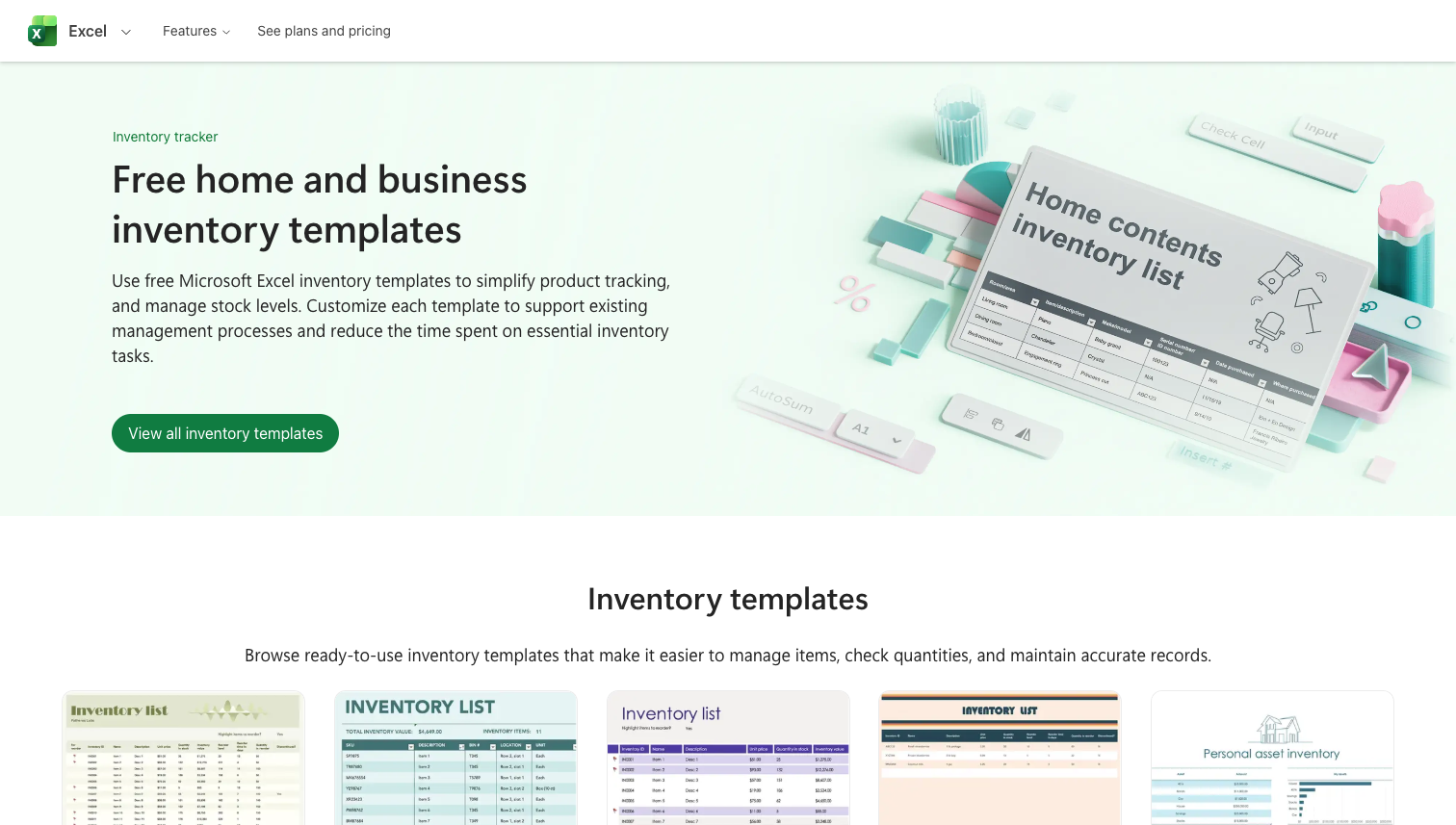
Features: Clean, professional templates with an intuitive interface. Easily input item quantities, locations, and descriptions. Integrates with OneDrive for real-time collaboration.
Best for: Excel beginners, solo entrepreneurs, and small businesses looking for a quick start

2. Smartsheet Inventory Templates

Features: A comprehensive collection of free Excel and Google Sheets templates covering stock control, warehouse management, and equipment tracking. Includes built-in formulas for reorder points and low-stock alerts.
Best for: Teams that need structured templates with built-in logic for purchase orders, materials management, and multi-location tracking
3. Vertex42 Inventory Spreadsheets

Features: Over 8 free inventory spreadsheet templates including inventory control, asset tracking, home inventory, and software inventory lists. Compatible with Excel, OpenOffice, and Google Sheets.
Best for: Businesses that need variety — from simple stock lists to more detailed asset and equipment tracking across multiple categories
Benefits of Managing Inventory in Excel
Starting with Excel gives you several advantages:
Easy to start: Free or low-cost — no software purchases needed
Highly flexible: If you know Excel well, you can customize templates to fit any workflow
Universally accessible: No installation required — anyone on your team can open and edit the file
3 Limitations of Excel Inventory Management
Excel is great for getting started, but as your customer base grows and orders get more complex, the cracks start to show.
1. Manual Updates Lead to Errors
An order comes in via email. → Your team manually enters it into the spreadsheet. → Someone forgets to deduct the stock. → Another order comes in for the same item. → You're oversold — and now you have to cancel an order and explain it to your customer.
The core problem: There's no automatic link between incoming orders and inventory deductions. A human has to bridge the gap manually, and mistakes are inevitable as volume grows.
2. No Audit Trail or History
When inventory lives in Excel, there's no built-in way to trace what happened:
When was this item last restocked?
Who changed the quantity — and why?
Which orders caused this stock level?
End-of-month counts don't match the spreadsheet — but you can't trace the discrepancy
The core problem: Spreadsheets don't track change history. Without an audit trail, troubleshooting inventory mismatches becomes guesswork.
3. The System Breaks Down as You Scale
With a handful of products, Excel works fine. But what happens at 100+ SKUs across multiple locations?
Your workbook grows to 20–30 tabs
No one knows which version is current
Multiple people editing at once causes data conflicts
Formulas break as rows pile up
Reporting requires manual copy-pasting across sheets
The core problem: Excel handles basic quantity tracking, but it wasn't designed for multi-product, multi-location inventory operations.
Signs You've Outgrown Excel
If any of these sound familiar, it's time to upgrade:
✅ Your file slows down with 100+ SKUs
✅ Multiple team members editing at once causes data conflicts
✅ You can't trace when inventory was received or shipped
✅ Low-stock alerts require manual checking
✅ You've added so many tabs that the workbook is unmanageable
✅ Every stock change requires manual entry
✅ End-of-month counts never match the spreadsheet
When these problems start compounding, it's not about working harder in Excel — it's about moving to a system designed for inventory management.
Keep Excel's Simplicity While Adding Automation
What if you could keep what's great about Excel — the simplicity, the flexibility — while eliminating the pain points of manual entry, broken collaboration, and disconnected data?
Waveon's AI-powered inventory management system gives you:
✅ Automated workflows: Receiving, shipping, and low-stock alerts run automatically
✅ Real-time data: Every inventory change syncs instantly across your team
✅ Team collaboration: Multiple users can work simultaneously without data conflicts
✅ Visual dashboards: See your inventory status at a glance with customizable views
✅ Fully customizable: Modify the system to match your workflows using AI-assisted setup
It's designed to feel as familiar as a spreadsheet, with the power of a purpose-built inventory system. As your operations grow, it scales with you — connecting orders, procurement, and more when you're ready.
💡 Ready to graduate from spreadsheets?
👉 Try the free inventory management template →
Learn more about No-code insights
Subscribe Waveon Newsletter
*Type your email address