Guides
Free Purchase Order Templates for Small Businesses (2026)

3/13/2026
0 min read

A purchase order (PO) is one of the most basic business documents — yet most small businesses either skip it entirely or use an ad-hoc format that causes problems later. Missing fields lead to payment disputes. Manual entry leads to duplicate orders. And when PO volume grows, spreadsheets become a bottleneck.
This guide covers what a purchase order should include, where to download free templates, and when it's time to move beyond spreadsheets.
What Is a Purchase Order?
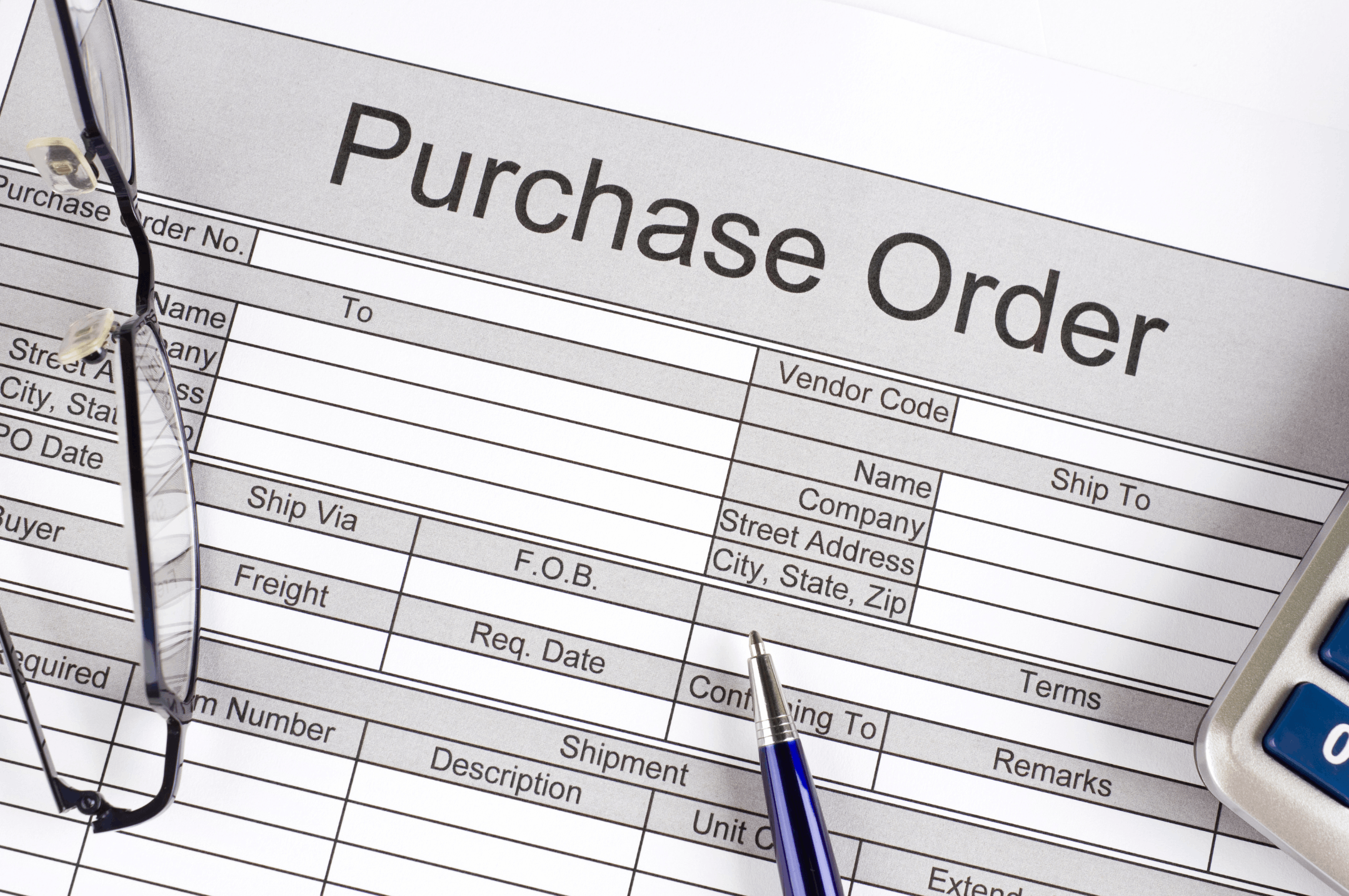
A purchase order is a formal document sent from a buyer to a supplier, confirming the details of a purchase: what's being ordered, how much, at what price, and when it should be delivered.
It serves two purposes:
External — it serves as a formal record of the transaction and may become contractually binding once accepted by the supplier
Internal — it provides an audit trail for purchasing approvals, budgeting, and accounting
Without a PO, you're relying on emails, phone calls, or verbal agreements. That works for the first few orders — but it quickly breaks down when disputes arise over quantities, pricing, or delivery dates.
What Every Purchase Order Should Include
A well-structured PO needs these fields at minimum:
| Field | Description | Priority |
|---|---|---|
| PO number / date | Unique identifier for tracking and audit | Required |
| Buyer information | Company name, address, contact person | Required |
| Supplier information | Vendor name, address, contact details | Required |
| Item description / SKU | What's being ordered, with specifications | Required |
| Quantity / unit price / total | How many, at what price, and the calculated total | Required |
| Tax (sales tax / VAT) | Tax amount and whether prices are tax-inclusive or exclusive | Required |
| Delivery date / ship-to address | When and where items should be delivered | Required |
| Payment terms | Net 30, Net 60, upfront, installment, etc. | Recommended |
| Special instructions / inspection terms | Quality requirements, packaging, or acceptance criteria | Recommended |
The most commonly missed field is tax treatment. If your PO doesn't clearly state whether prices include or exclude tax, you'll end up in a billing dispute after delivery.
Free Purchase Order Templates to Download
Google Docs / Google Sheets
Google Workspace offers free, cloud-based templates for purchase orders. They're simple, collaborative, and accessible from any device. If your team already uses Google Workspace, this is the fastest starting point — just open, fill in, and share.
Jotform
Jotform provides free purchase order table templates that go beyond a static spreadsheet. You can track orders, filter by status, and share a live view with your team. It's especially useful if you want a lightweight order tracker without building a full system.
Template.net
Template.net offers a mix of free and premium PO templates in Excel, Google Sheets, Word, and PDF formats. Good selection for businesses that need a more formal, print-ready document.
These templates work well when you're handling a few orders per week. But as volume grows, the limitations become apparent.
When Spreadsheet POs Stop Working
1. Re-entering supplier info every time
Copy-pasting vendor details into a new spreadsheet for every order gets old fast — and it's where errors creep in. Wrong vendor code, outdated address, mistyped pricing. These small mistakes waste time on corrections and can damage supplier relationships.
2. No order history in one place
"How much did we order from Supplier A this quarter?" If answering that question requires opening dozens of files, you've outgrown spreadsheets. Order history scattered across individual files makes spend analysis and supplier reviews nearly impossible.
3. POs disconnected from inventory and payments
Your POs live in one spreadsheet, inventory in another, and invoices in a third. Reconciling them at month-end means hours of cross-referencing. Orders get fulfilled but invoices go unpaid. Inventory shows stock that was never actually received.
4. No approval workflow
When anyone can create and send a PO without oversight, unauthorized purchases happen. As your team grows, you need at least a basic approval step before orders go out — something spreadsheets can't enforce.
When to Move Beyond Spreadsheet POs
You don't need software on day one. But consider switching when:
You're managing more than 10 active suppliers
Monthly PO volume exceeds 30 orders
More than one person handles purchasing
You've had duplicate orders, missed deliveries, or billing disputes in the past 90 days
Month-end reconciliation between POs, invoices, and inventory takes more than a few hours
If most of these apply, the cost of manual errors already exceeds the cost of a system.
Connecting POs to the Rest of Your Operations
A purchase order isn't a standalone document — it's the starting point of a chain: order → delivery → inspection → invoice → payment. When that chain is broken (each step in a different tool or file), you spend more time coordinating than operating.
The real efficiency gain comes from connecting your POs to order management, inventory, and settlement in a single workflow. A PO number becomes a reference you can trace from order to payment — no manual reconciliation needed.
For a detailed comparison of tools that handle this, see our guide: Best Order Management Systems for Small Businesses (2026).
If you want to start managing purchase orders and supplier relationships without building a custom system, Waveon's order management template lets you get operational in days — no development required.
Try Waveon's order management template for free →
Related reading:
Learn more about No-code insights
Subscribe Waveon Newsletter
*Type your email address